
LessonCal
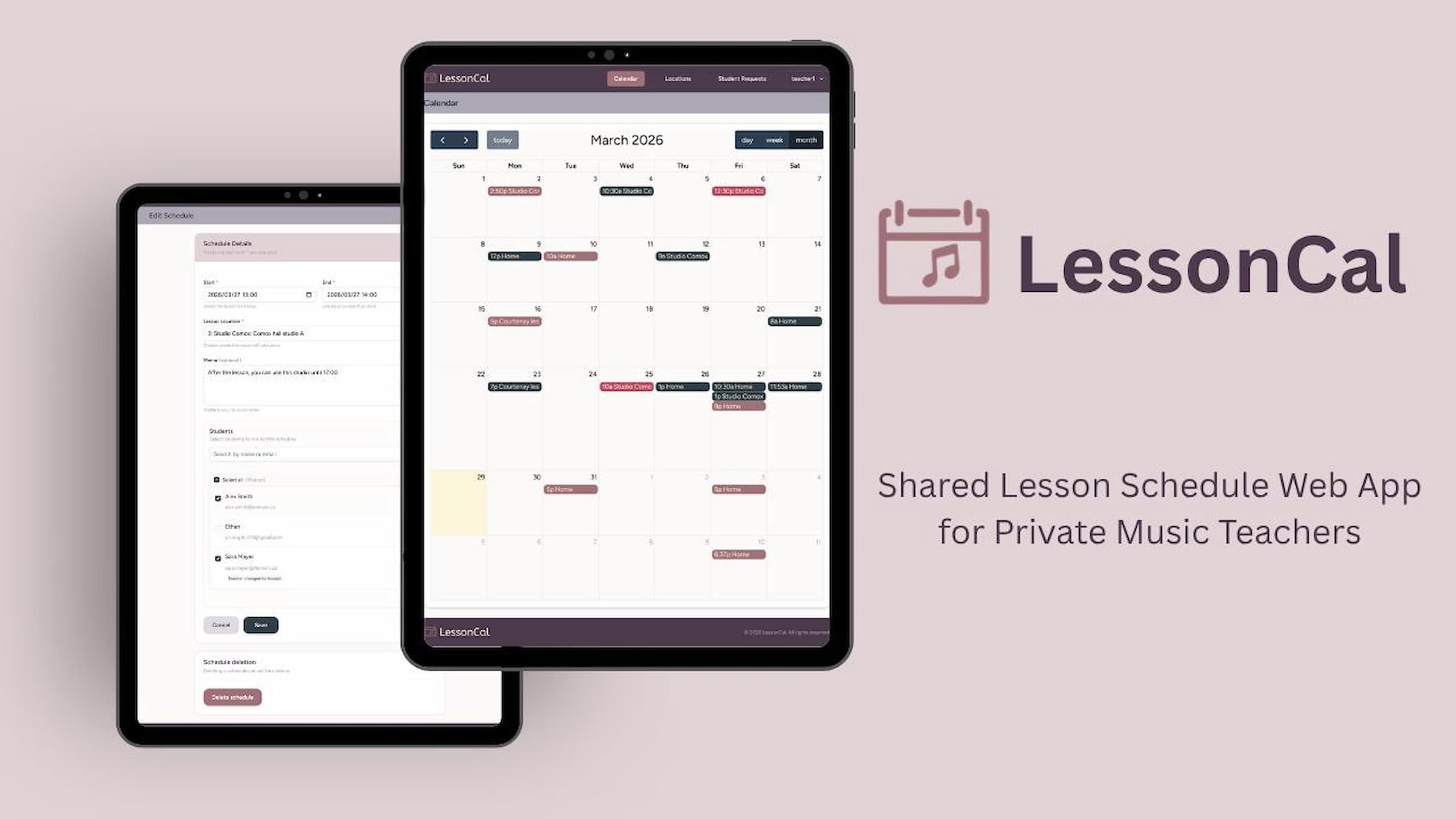
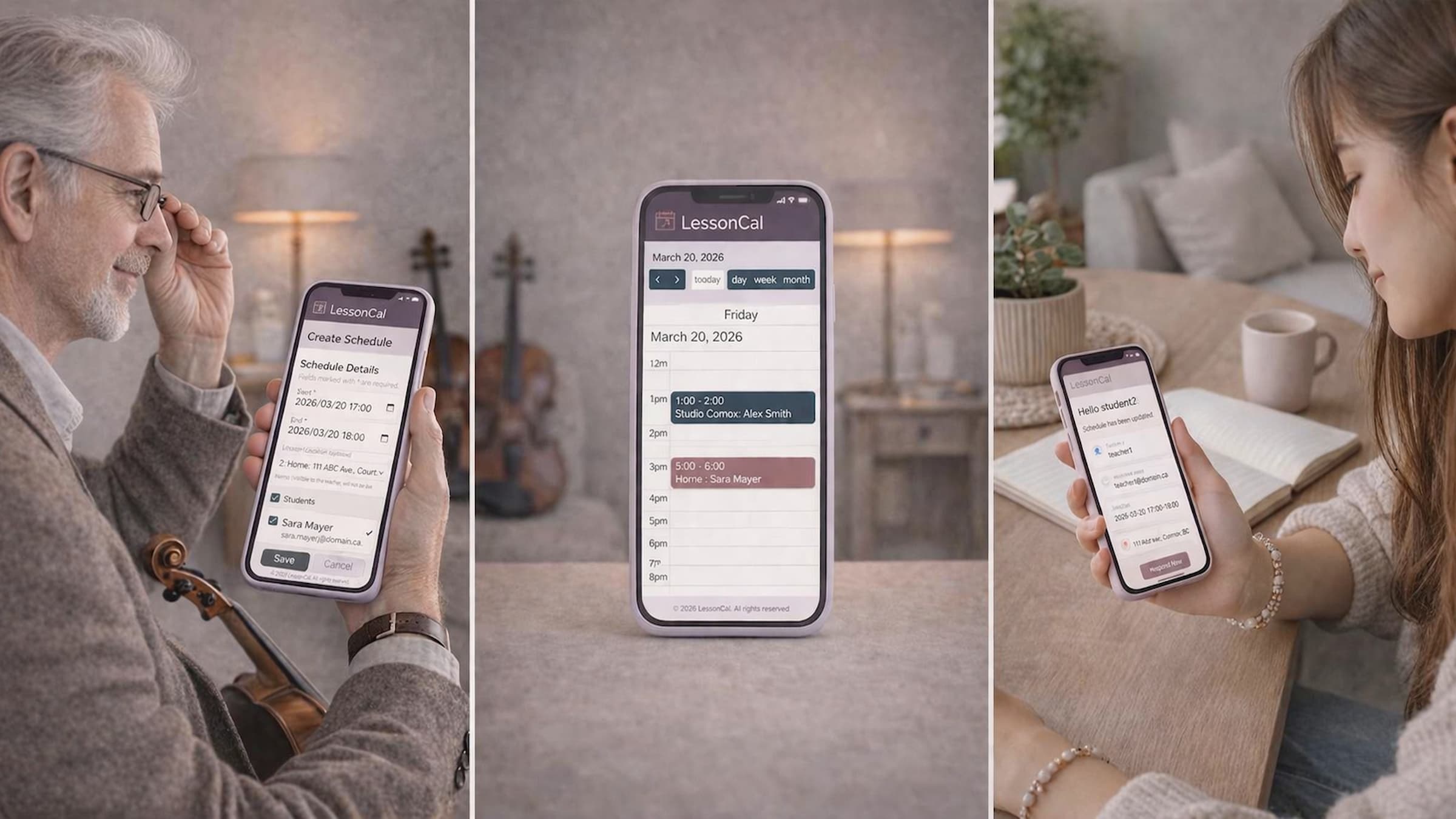
LessonCal is a web application for independent music teachers to manage and share lesson schedules with their students. It is specifically designed for teacher–student scheduling, allowing teachers to create lesson schedules and send notification emails, while students can view and respond to them.
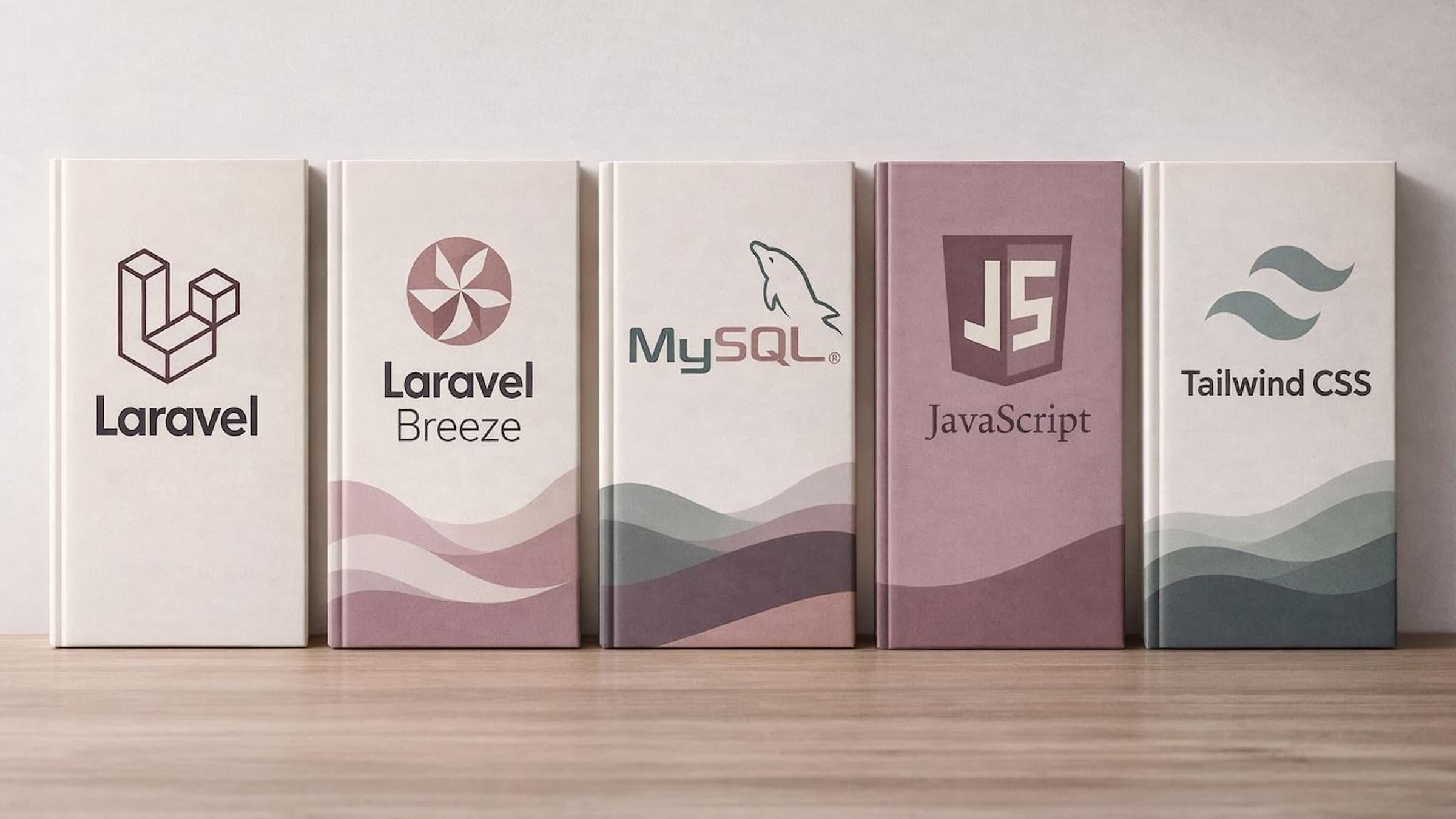
This application was developed using Laravel, MySQL, FullCalendar, JavaScript, Breeze, and Tailwind. During development, I addressed challenges such as implementing teacher–student relationships, adding notification and response features, and resolving deployment issues across different environments.
The final system is simple and user-friendly, enhancing communication accuracy, enabling flexible scheduling, and reflecting the real workflows of both teachers and students.
Proposed Solution & Justification
Many existing scheduling tools are overly complex, making them difficult for less tech-savvy users. In addition, traditional methods such as paper notes and verbal communication often lead to errors, missed updates, and miscommunication.
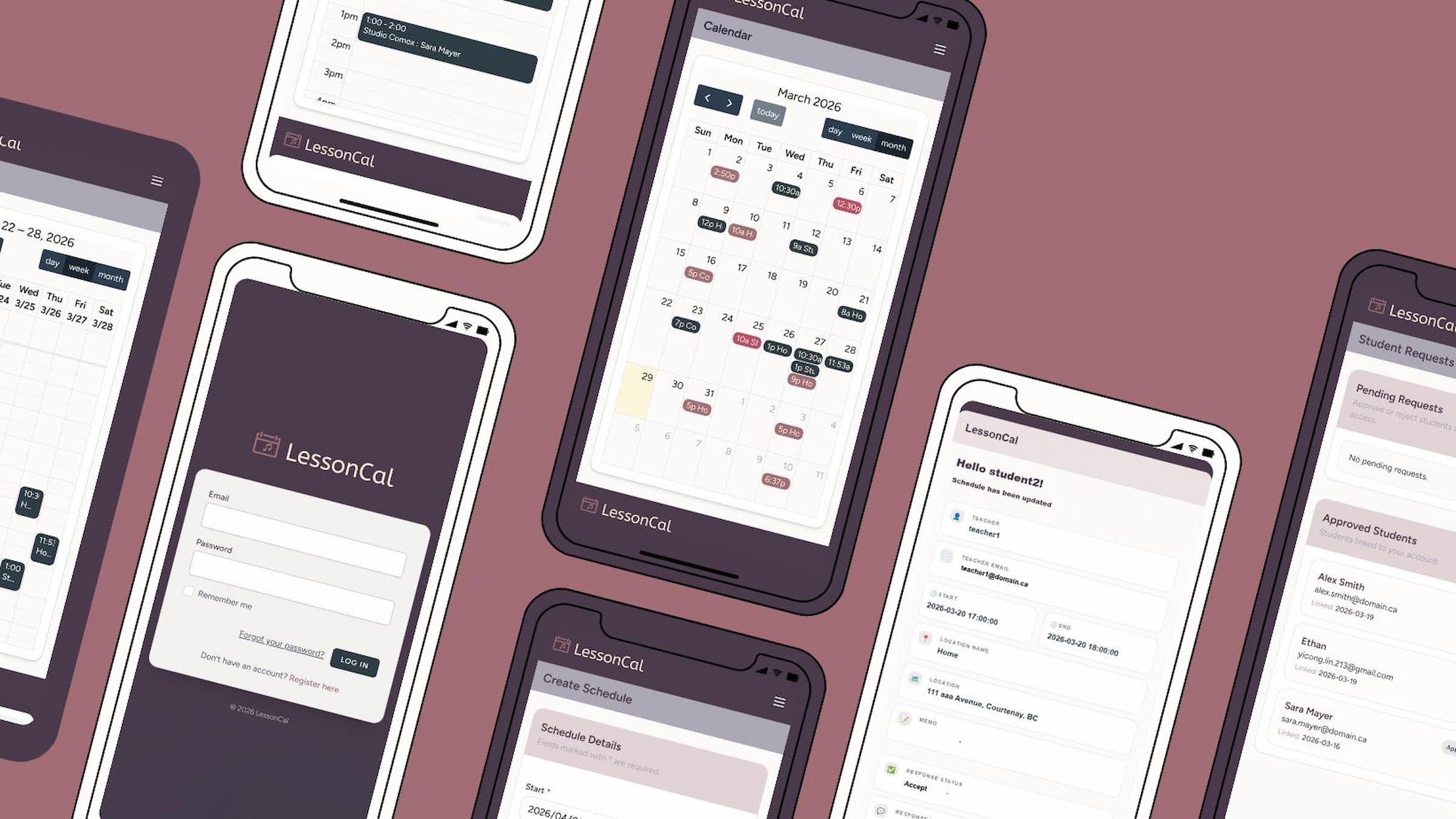
LessonCal addresses these issues by providing a simple, mobile-first scheduling system focused on essential features. It allows teachers and students to access and update shared schedules in real time, ensuring that information is always accurate and up to date.
As a result, the system reduces miscommunication and makes schedule management more reliable and easier for users.
Implementation Procedure
This project followed a structured development process, beginning with research and planning. First, I defined the project scope and MVP functionality by focusing on core features such as user authentication, schedule creation, and schedule sharing.
During the design phase, first, I created a database schema. I then designed the structure of each UI, the calendar view, and the visual design, including brand colors.
During the development phase, I implemented authentication using Laravel and Breeze, customizing it to support role-based access for teachers and students. I also developed lesson schedule creation and management functions and integrated FullCalendar, which provides a customizable calendar interface for web applications. It is a JavaScript library that allows events to be displayed in monthly, weekly, and daily views, and supports features such as event creation and editing, scheduling, and making schedule visualization more intuitive.
In addition, I implemented email notification functionality to inform students of schedule creation and updates.
In testing, I conducted verification, including scenario tests, verifying authentication, role restrictions, and scheduling functions, and improved the system based on the results. For example, scenario testing identified the need for a UI that allows students to easily respond to schedules created by teachers, and I added a response UI. I also modified the UI to visually show the schedule adjustment status in both the teacher’s and student’s calendars. For deployment, I investigated database adjustments and security configurations to address differences between local and production environments, and completed the deployment.
Risks & Mitigation
Several unexpected challenges arose during development. One major challenge was implementing a many-to-many relationship between teachers and students. Initially, I planned to use the default authentication system, but it was insufficient for managing user relationships. Therefore, I customized the authentication flow and incorporated relationship data to enable teachers with multiple students and students with multiple teachers to share and coordinate schedules.
Another challenge concerned database configuration. Laravel’s default settings used SQLite, but the project required MySQL. I migrated the database by updating the environment settings and running migrations to ensure compatibility with the expected production environment.
During deployment, I encountered issues related to differences between the local and production environments. Specifically, migration errors occurred due to differences in index length constraints between XAMPP’s MariaDB and the deployment environment’s MySQL. This was resolved by adjusting the column lengths to meet production requirements.
Furthermore, I faced challenges related to file structure and asset loading in the deployment environment. This issue stemmed from a change in the folder structure in the deployment environment to prioritize security. I resolved this issue by reviewing the folder structure of the deployment environment and ensuring proper access to build files.
Another significant improvement was the re-evaluation of the system’s scheduling logic. Initially, the system prevented overlapping simultaneous schedules, but scenario testing revealed this was inconvenient in actual operation. Therefore, revising the specifications to allow overlapping schedules made the system more suitable for actual operation and improved flexibility.
Furthermore, this change to allow overlapping schedules highlighted the need for a feature that allows students to adjust their schedules. For example, I believed that a direct method of approving or rejecting schedules within the system, rather than relying on other external communication tools such as email or messaging tools, would be more convenient. Based on these considerations, I introduced a response function that allows students to respond to teachers with Accept/Decline replies and messages, and a function that allows teachers to take action based on student responses. As a result, I was able to improve the accuracy of communication and reduce the effort required for adjustments.