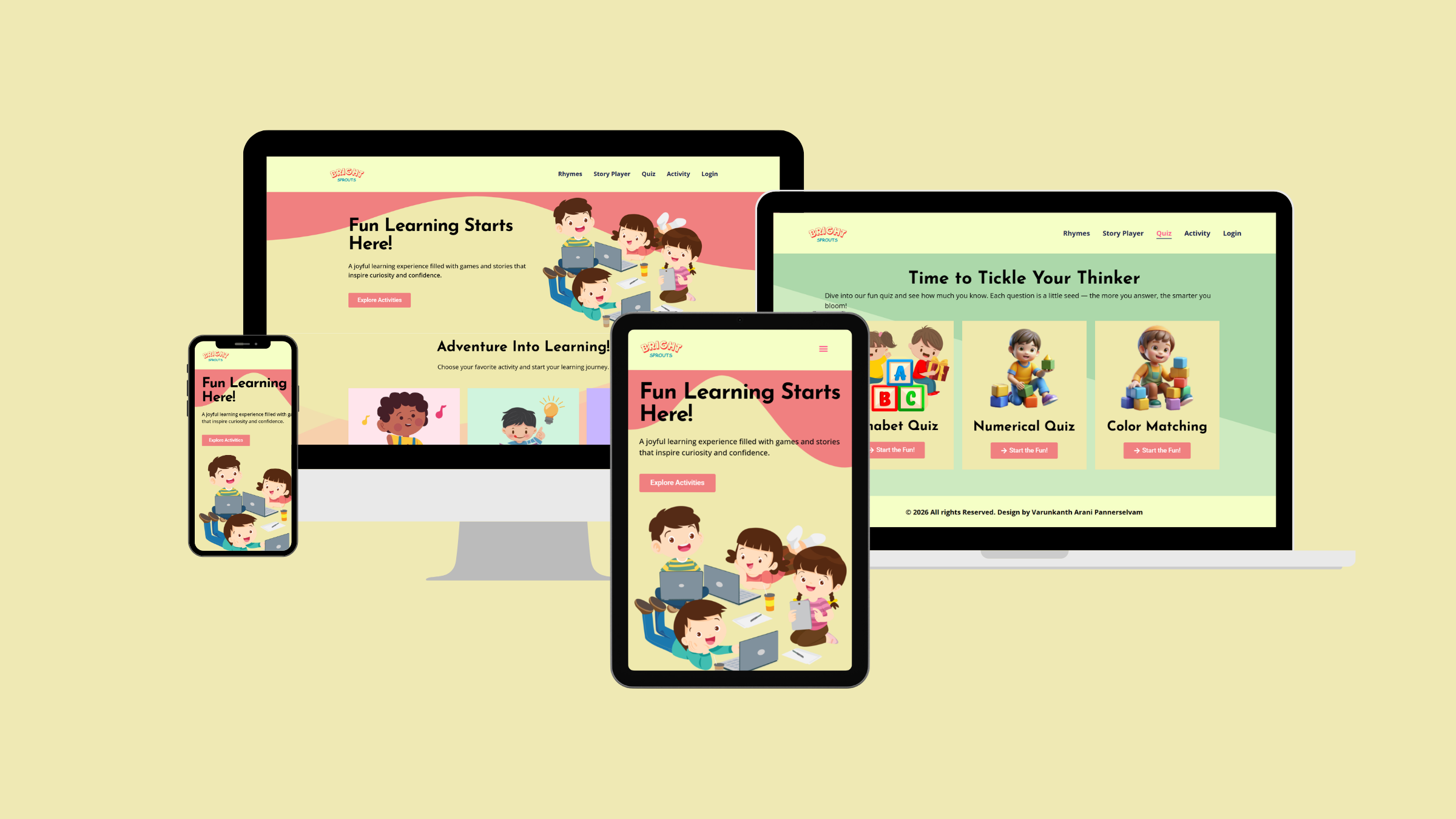

Bright Sprouts
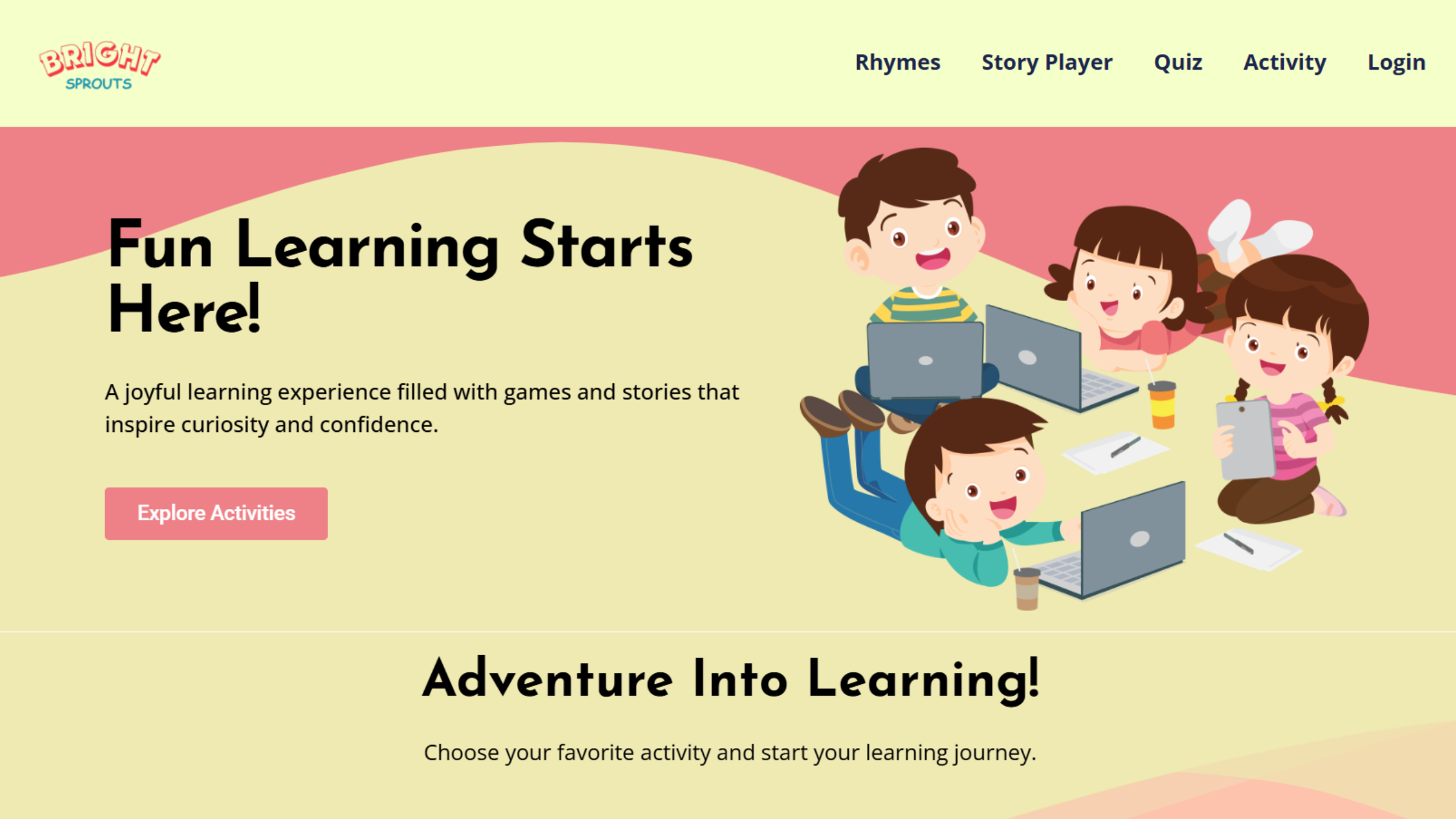
Bright Sprouts is a child-friendly learning website designed for children aged 3–7. The platform allows children to listen to rhymes and short stories, complete simple quizzes and interactive activities, and download printable PDF worksheets for offline practice. The website uses colorful visuals, simple navigation, and AI-powered voice narration to make learning engaging, safe, and easy to access.
The platform is designed with both children and parents in mind – minimizing steps to start learning while ensuring content is age-appropriate and secure.
Problem Statement
Many parents struggle to find free, safe, and easy-to-use educational websites for young children. Existing platforms are often paid, cluttered, or too complex for children to navigate independently. These barriers reduce engagement and delay learning.
BrightSprouts addresses this problem by providing a single, simple, and child-focused platform where learning begins immediately. The website emphasizes intuitive navigation, minimal interaction steps, and engaging content that supports early learning and development.
Research and Design
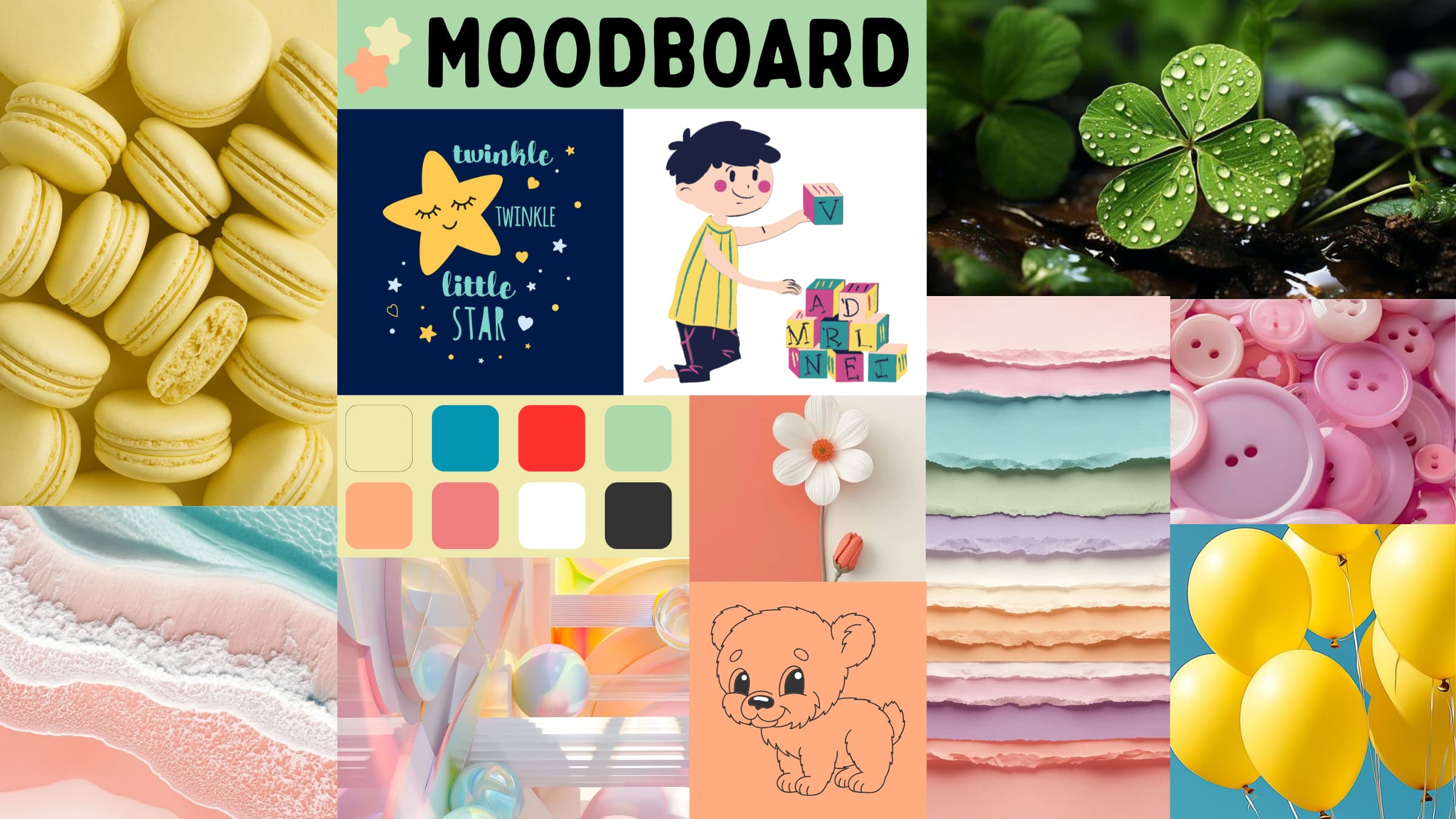
I began my process by creating a mood board that captured the playful, imaginative world I wanted BrightSprouts to represent. I selected soft, friendly colors, rounded shapes, and illustrations that felt warm and inviting for young children. I also included examples of early‑learning apps, children’s books, and simple UI patterns to guide my design direction.
This mood board helped me define the tone of the project: bright, approachable, and developmentally appropriate. It served as a visual anchor throughout the design process, ensuring that every page and activity aligned with the joyful, child‑centered identity of BrightSprouts.
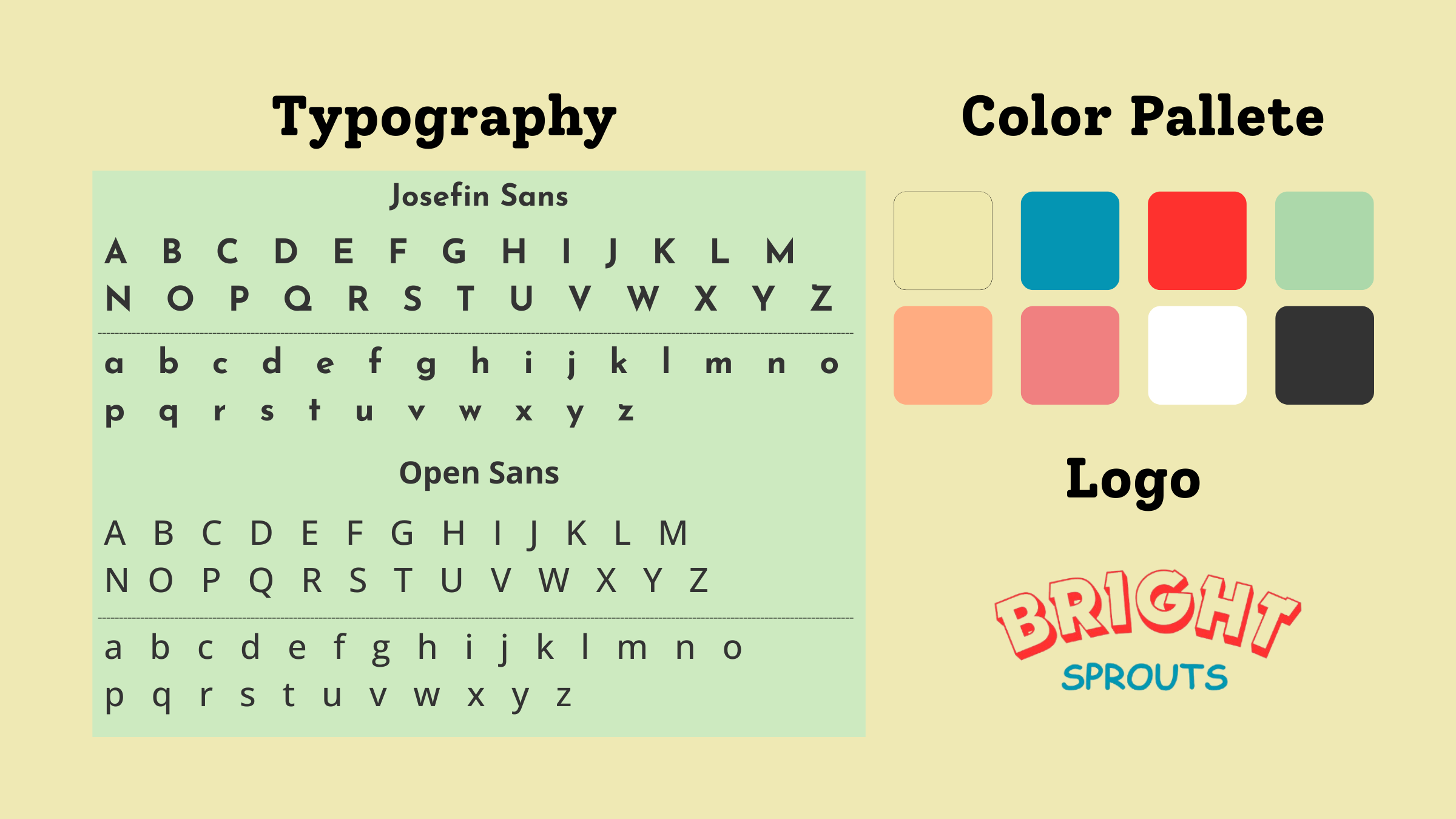
For BrightSprouts, I wanted the brand to feel gentle, friendly, and safe for young children. I chose soft pastel colors so the website looks bright and welcoming without being too strong or overwhelming.
For the text, I chose Josefin Sans for headings and Open Sans for body text. Josefin Sans feels playful and warm, which makes the titles inviting. Open Sans is very clear and easy to read on any device. Using a fun font for headings and a clean font for paragraphs helps guide children’s attention and makes everything easier on their eyes.
MVP
After research, planning, and design, I began building the BrightSprouts website one page at a time, following a structured weekly plan. My goal was to make each page simple and easy for young children to use. Since I was working with WordPress and Elementor Pro, I spent time choosing the right widgets and keeping the layout clean. After finishing the main pages, I built the Sign‑in and Sign‑up pages. Some tasks took longer than expected, so I adjusted my timeline and removed a few extra features that were originally planned as stretch features. I also refined colors, spacing, and layout based on feedback.
Feature Implementation
I added each feature step by step, following the same order I built the pages. I started with the Rhymes page, where my original plan was to create a fully interactive experience. I wanted the text to highlight line by line as the rhyme played, and I also hoped to use AI to sing the rhymes. I tried many tools and methods, but none of them worked the way I needed. Because of this, I had to compromise and use a static rhyme page with a simple moving image while the audio played.
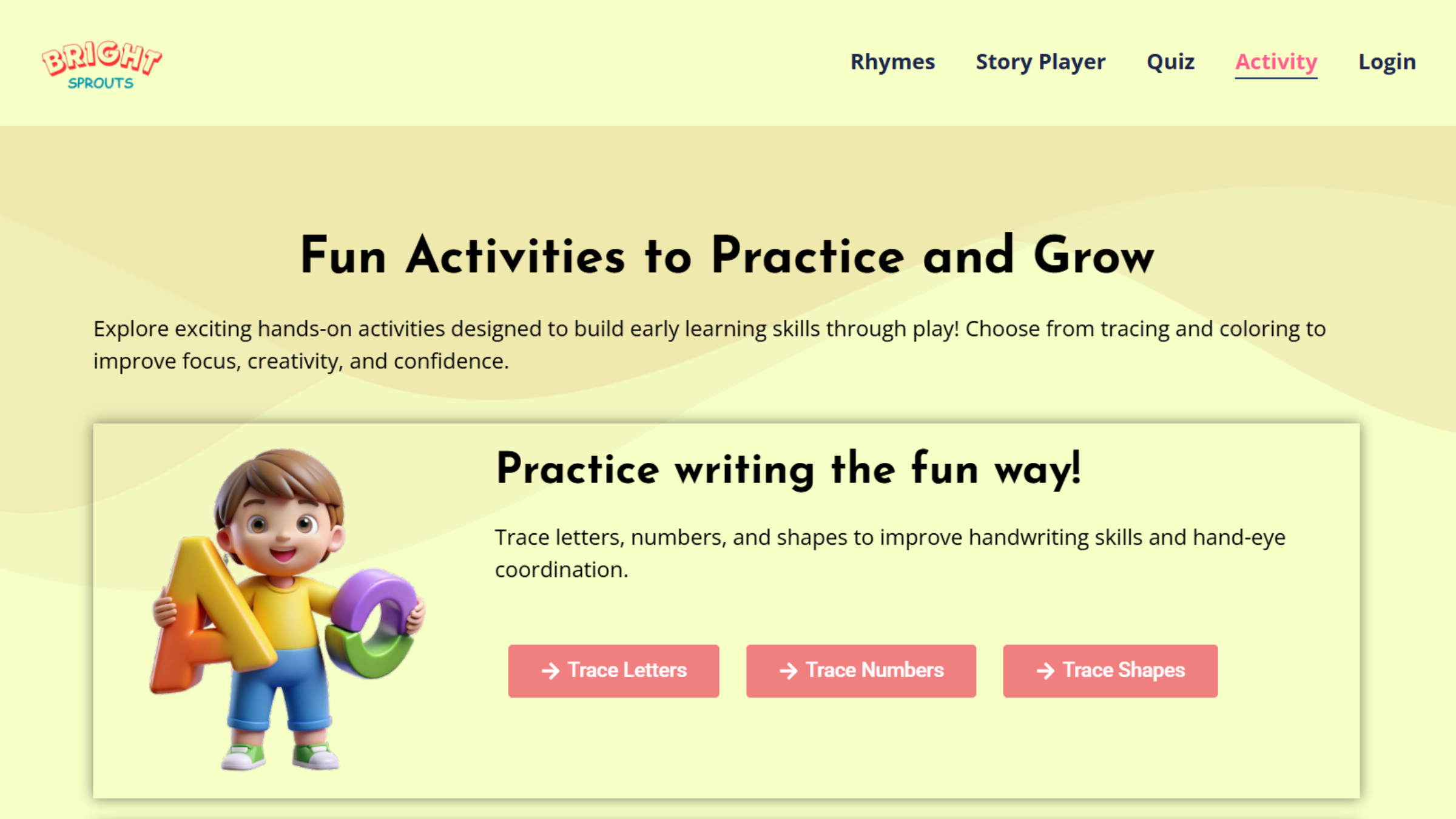
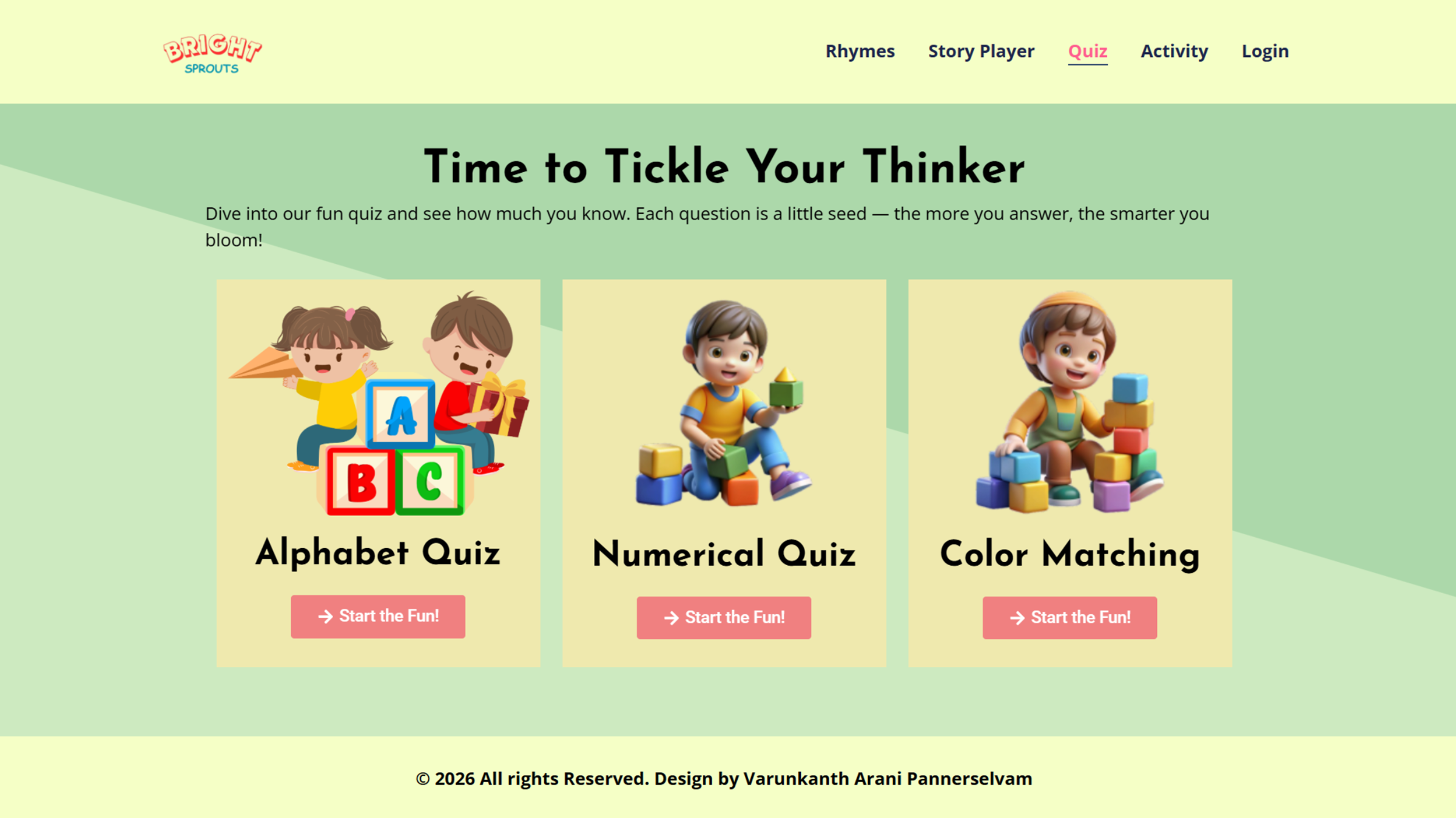
Next, I worked on the Quiz page, which was much easier. I followed an online video for reference and used a plugin to set it up quickly. After that, I moved on to the Activity Sheet, which took longer than expected because adjusting the widgets and making it work on mobile required a lot of testing. Finally, I built the AI Short Story Player, which was the hardest feature. I couldn’t embed the AI directly inside Elementor because Elementor doesn’t allow me to insert full custom HTML/JS code inside its widgets unless I use the Pro version. The free version only gives basic widgets, and the HTML widget in free Elementor is limited and it doesn’t support the kind of script loading required for running a local AI model.
Problems Faced
Throughout the project, I faced several challenges that affected my timeline and forced me to adjust my original plan. The first major issue was the Rhymes page. I wanted an interactive version with AI‑powered singing and text highlighting, but Elementor did not support the tools I needed. I had to simplify it to a static version with a moving image. The Activity Sheet also caused delays because getting the tracing and coloring tools to work smoothly on both desktop and mobile required many layout fixes and repeated testing.
The biggest challenge was the AI Short Story Player. Free AI tools could not be embedded directly, so I placed it on a second tab as a practical work around. Despite these issues, I adapted my timeline and continued improving the site step by step.