Student Buddy
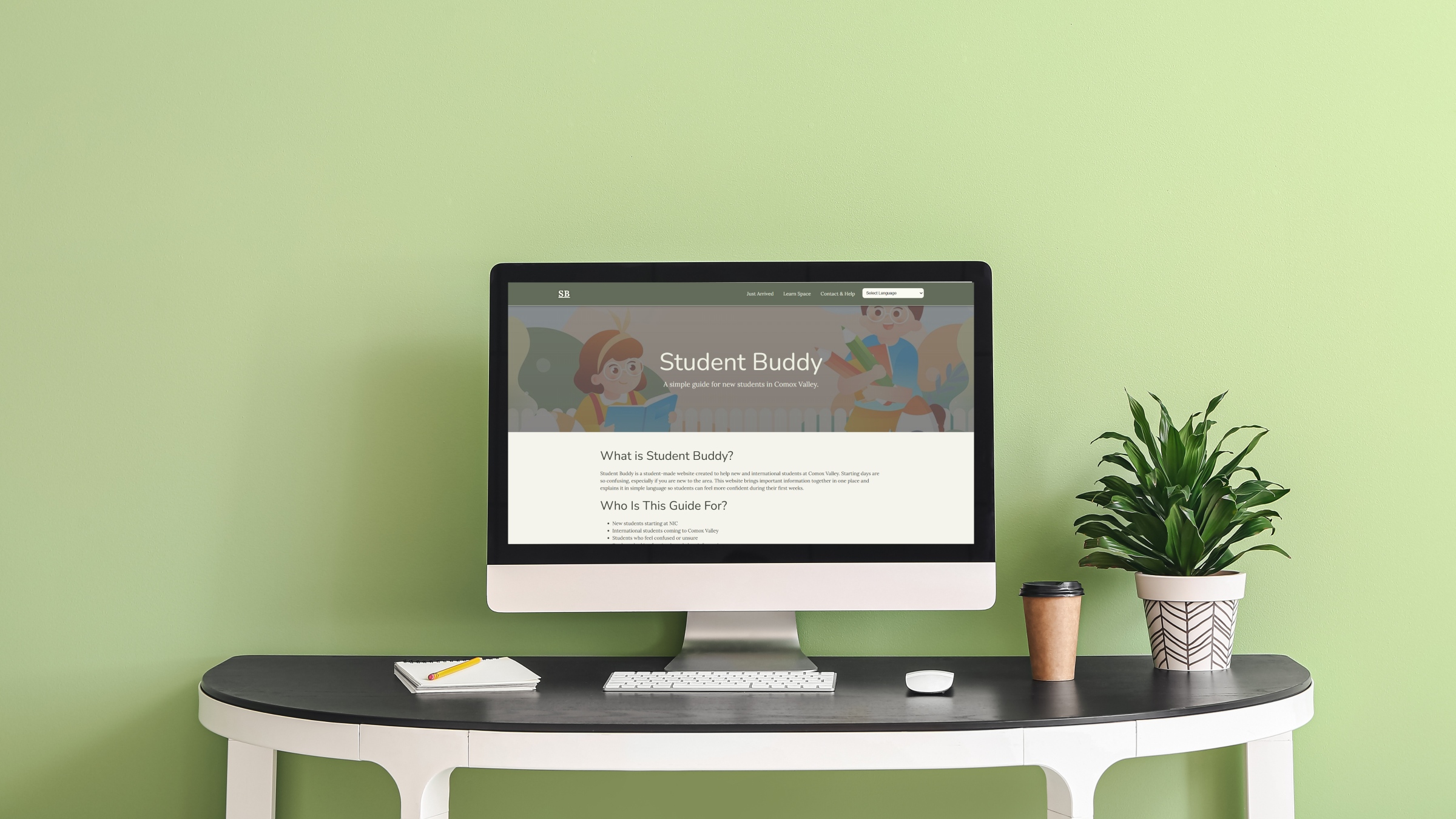
Student Buddy is a website designed to help new students who arrive in Comox Valley adjust more easily to their new environment. Many first-year and international students feel confused when they arrive, as they are unsure about housing, campus services, health support, and student life. This project addresses that problem by organizing important information in one place.
I approached this project by focusing on clarity, structure, and usability. I conducted research through a student survey to understand real challenges and used that feedback to shape the content and layout. The website was built using HTML, JavaScript and Bootstrap with a focus on clean design and simple navigation. The outcome is a user-friendly platform that helps students quickly find the information they need when settling into a new city.
Research and Problem Understanding
The project started with identifying the main challenges faced by new students.The survey responses showed that students often struggle with finding services, understanding campus life, and accessing support.
At first, my idea was too general, but after receiving feedback, I narrowed the focus to students coming specifically to Comox Valley. This decision helped make the project more realistic, focused, and useful for a specific group of users.
Planning and Project Setup
After defining the problem, I moved into the planning stage. I created several planning documents that include a task list, timeline, Gantt chart, and network diagram. These tools helped me stay organized and manage my time effectively throughout the project.
I also developed a wireframe to plan the structure of the website. This step allowed me to clearly understand how users would move through the site and how the information would be organized before starting development.
Content Strategy and Structure
A major part of this project was organizing content. There was a large amount of information available for students, so I had to carefully decide what to include and how to present it in a clear way.
I structured the website into three main sections: just arrived, learn space, and help and support. I focused on keeping the content simple, clear, and easy to understand so that students can quickly find what they need without feeling overwhelmed.
Design Process
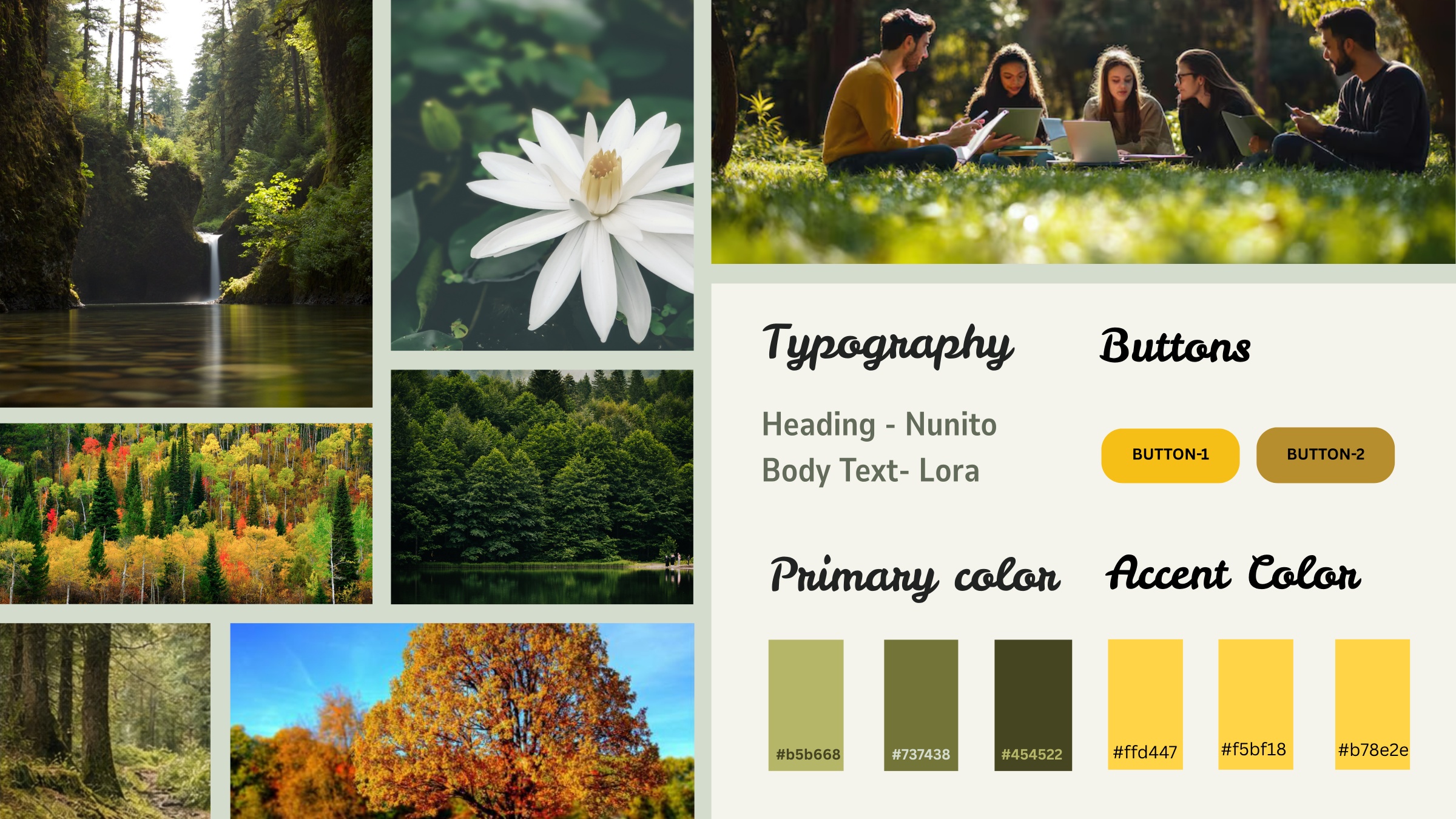
During the design phase, I focused on creating a clean and simple layout. In the beginning, the design looked very basic, and I received feedback that it needed better visual structure and organization.
To improve the design, I reorganized the content hierarchy, improved spacing between sections, fixed image issues, and made the layout more structured. These changes helped make the website more readable and visually balanced.
Development
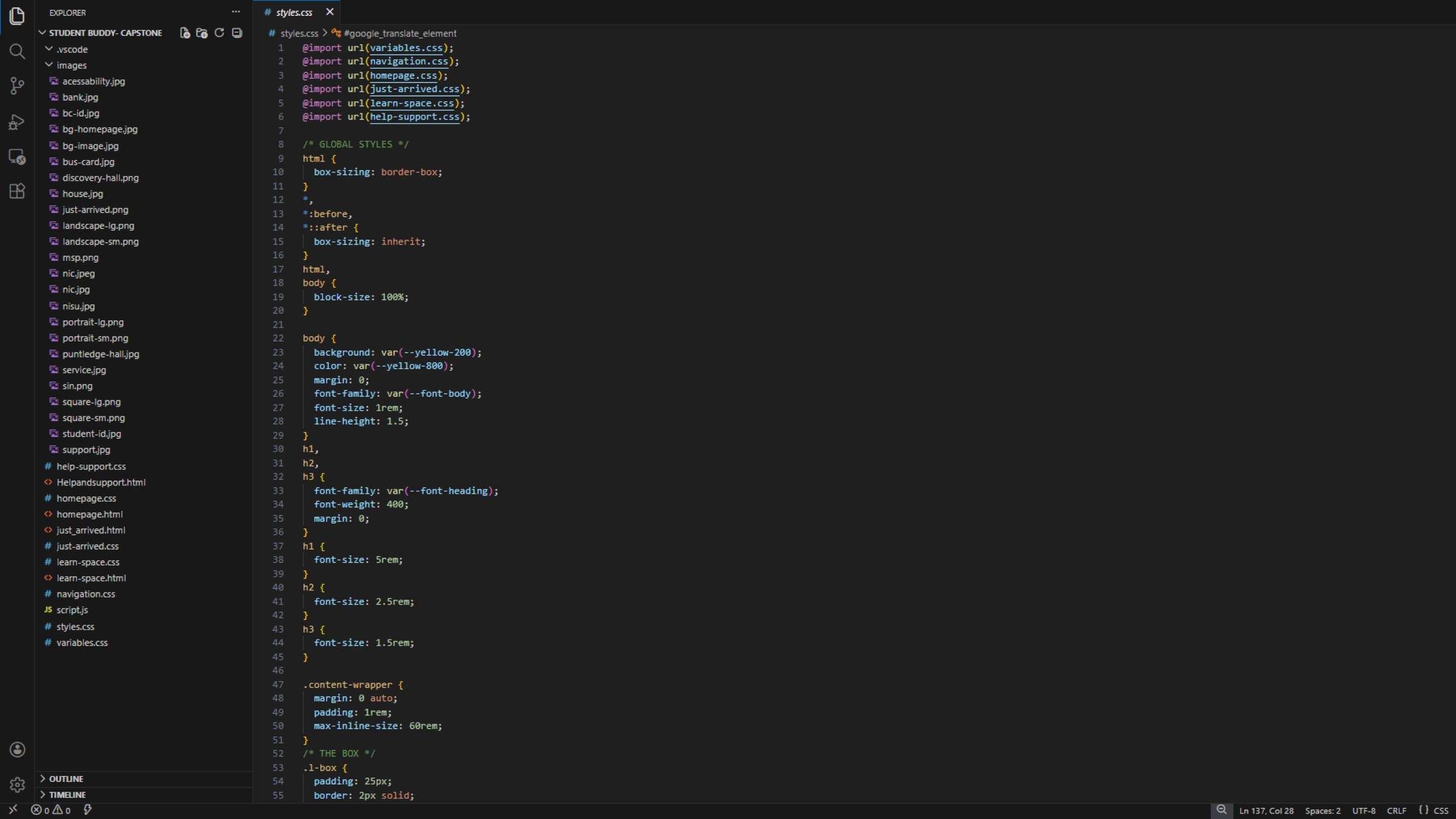
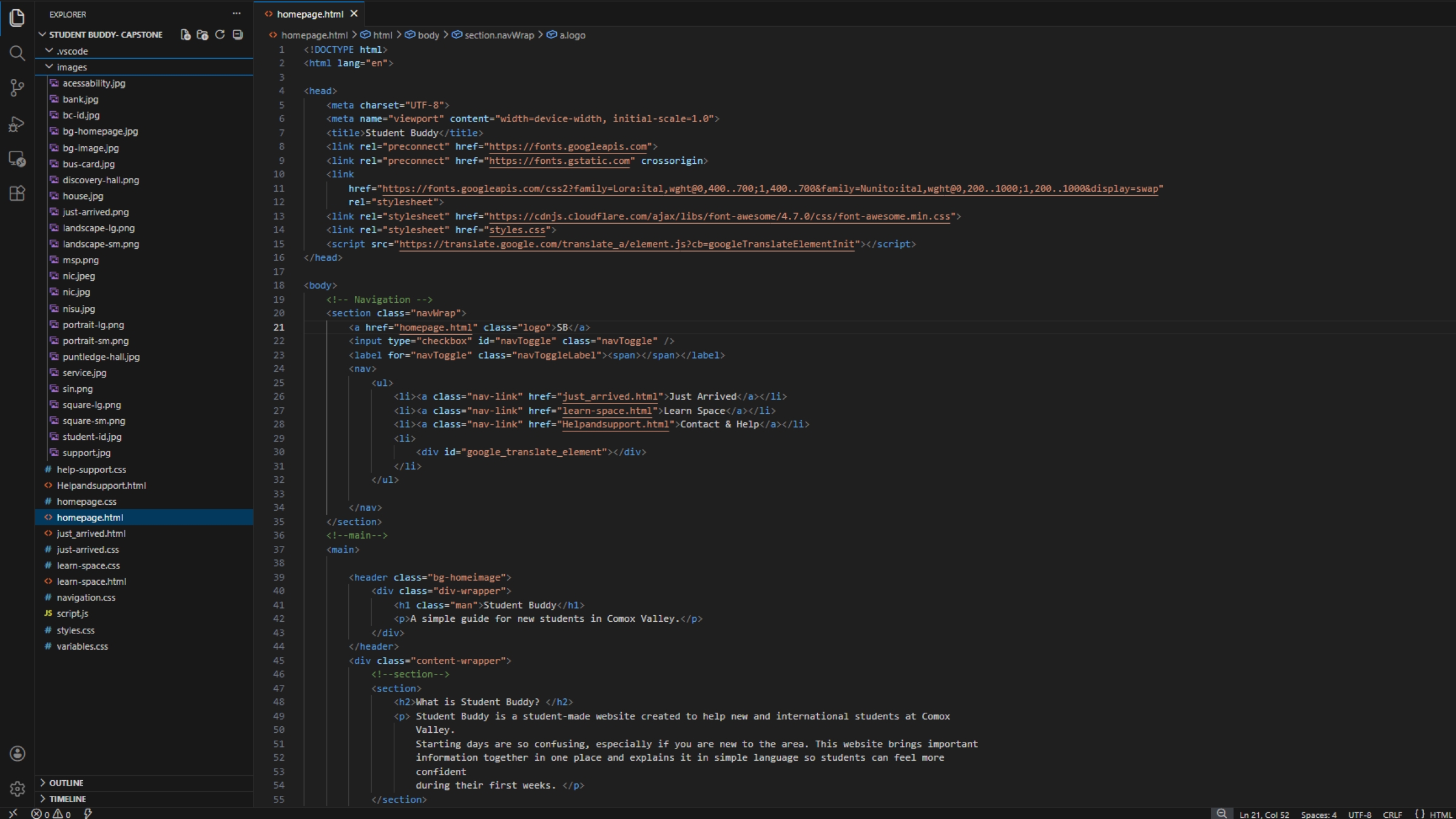
The website was developed using semantic HTML, JavaScript and Bootstrap. I structured the content carefully to ensure clarity, accessibility, and proper organization. The focus was to keep the website simple and easy to use.
The final website includes clear navigation, a card-based homepage layout, organized sections, and a responsive design that works across different devices. I also added basic interactive elements such as navigation features and expandable sections using JavaScript.
Final Outcome
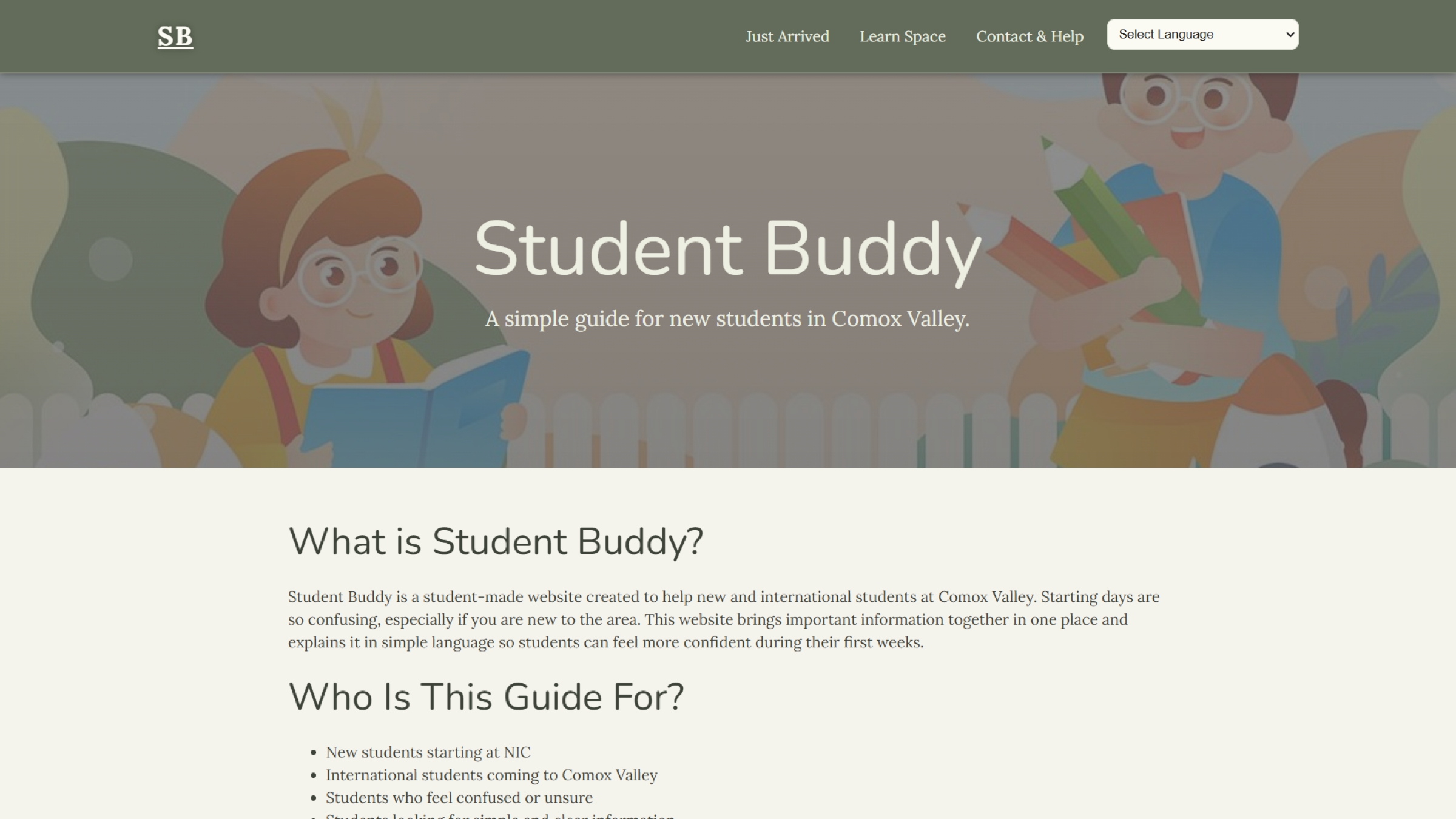
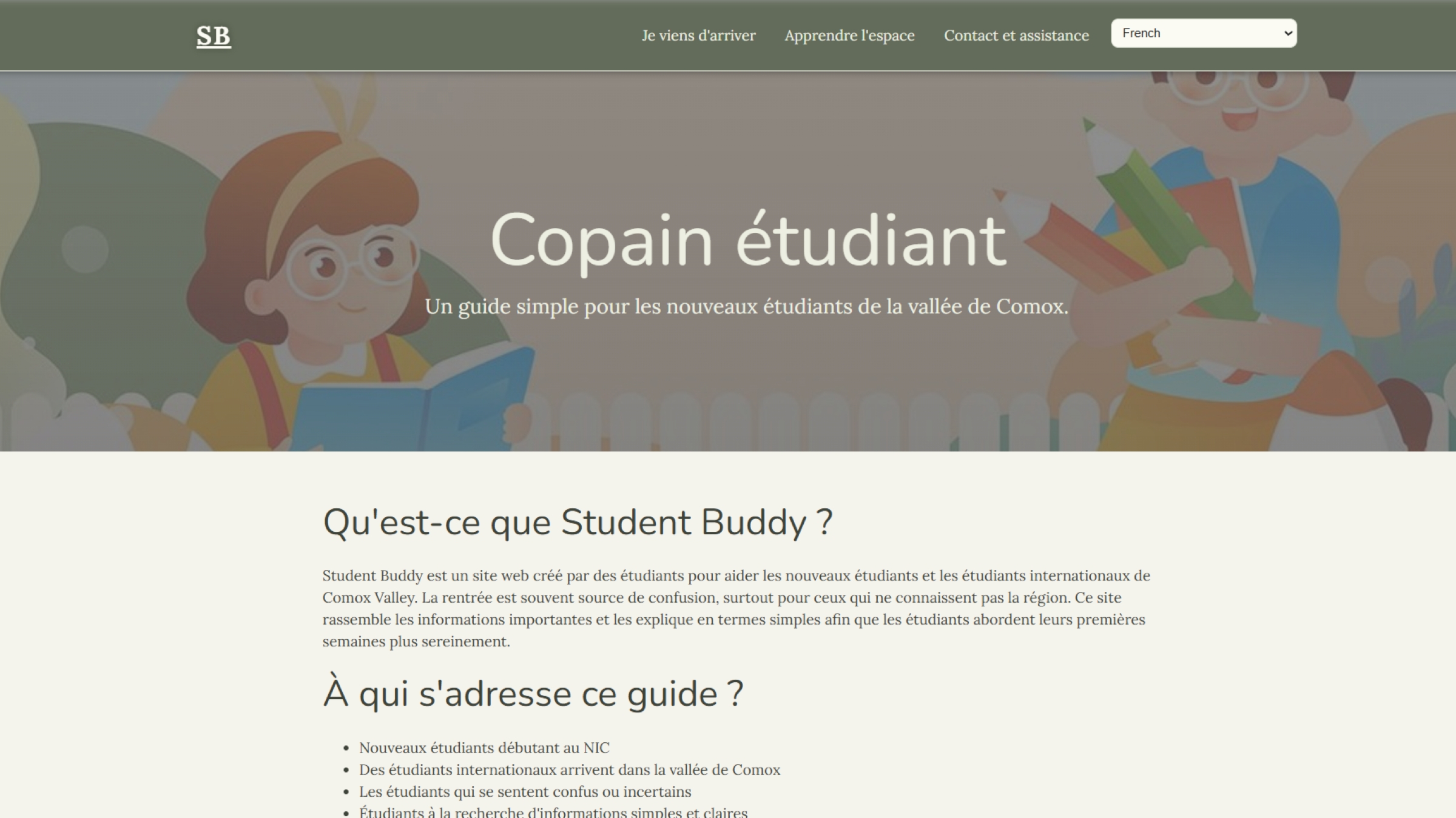
The final website is a simple and structured guide for new students in Comox Valley. It provides clear navigation and well-organized information, allowing users to quickly find what they need.
This project helped me improve my skills in planning, user-focused design, front-end development, and respond to feedback. It also gave me a better understanding of how to create a project that solves a real-world problem.
Reflection
This project helped me understand how to design for real users and solve practical problems. I learned the importance of planning, research, and feedback in improving a project and making it more effective.
If I had more time, I would improve the visual design further, add more interactive features, and expand the content with more real data. Overall, this project shows my ability to take an idea from research to a final working website.