
Couch to Crunch
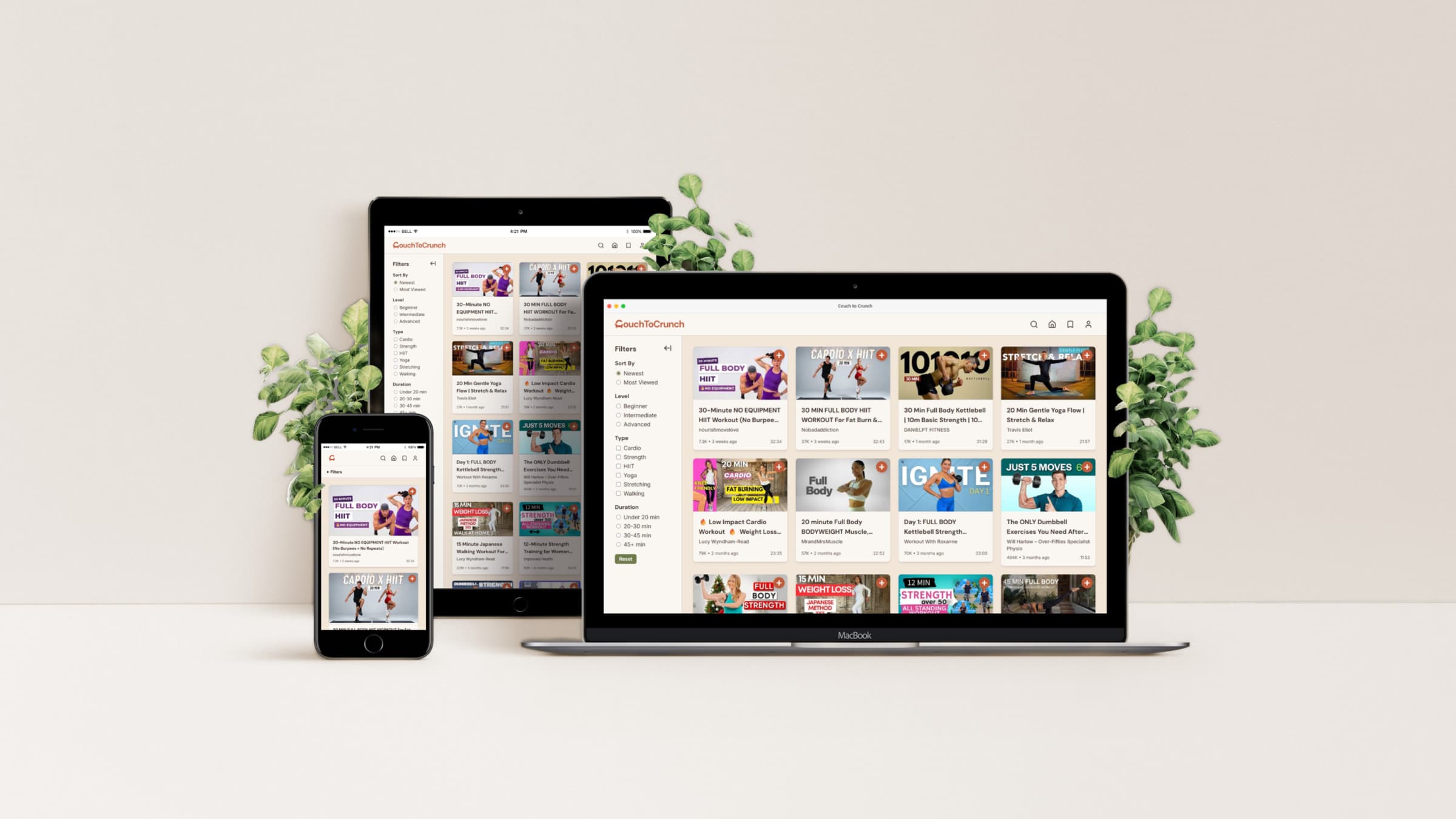
Couch to Crunch is a home workout video hub that brings YouTube workout videos into one curated space, giving users a familiar browsing experience to discover, watch, and save videos for their home exercise routine.
The app is built with Next.js following modern full-stack web development standards. Key features include browsing, watching, searching, and bookmarking videos with real-time filters to set preferences, and user authentication with Google OAuth to keep bookmarked videos accessible across devices.
Couch to Crunch is designed for people who prefer working out at home — whether they’re a complete beginner or someone building a routine. Finding the right workout feels effortless, without the noise and distractions of a general video platform.
Interact with the live web app: couch-to-crunch.vercel.app
MoodBoard

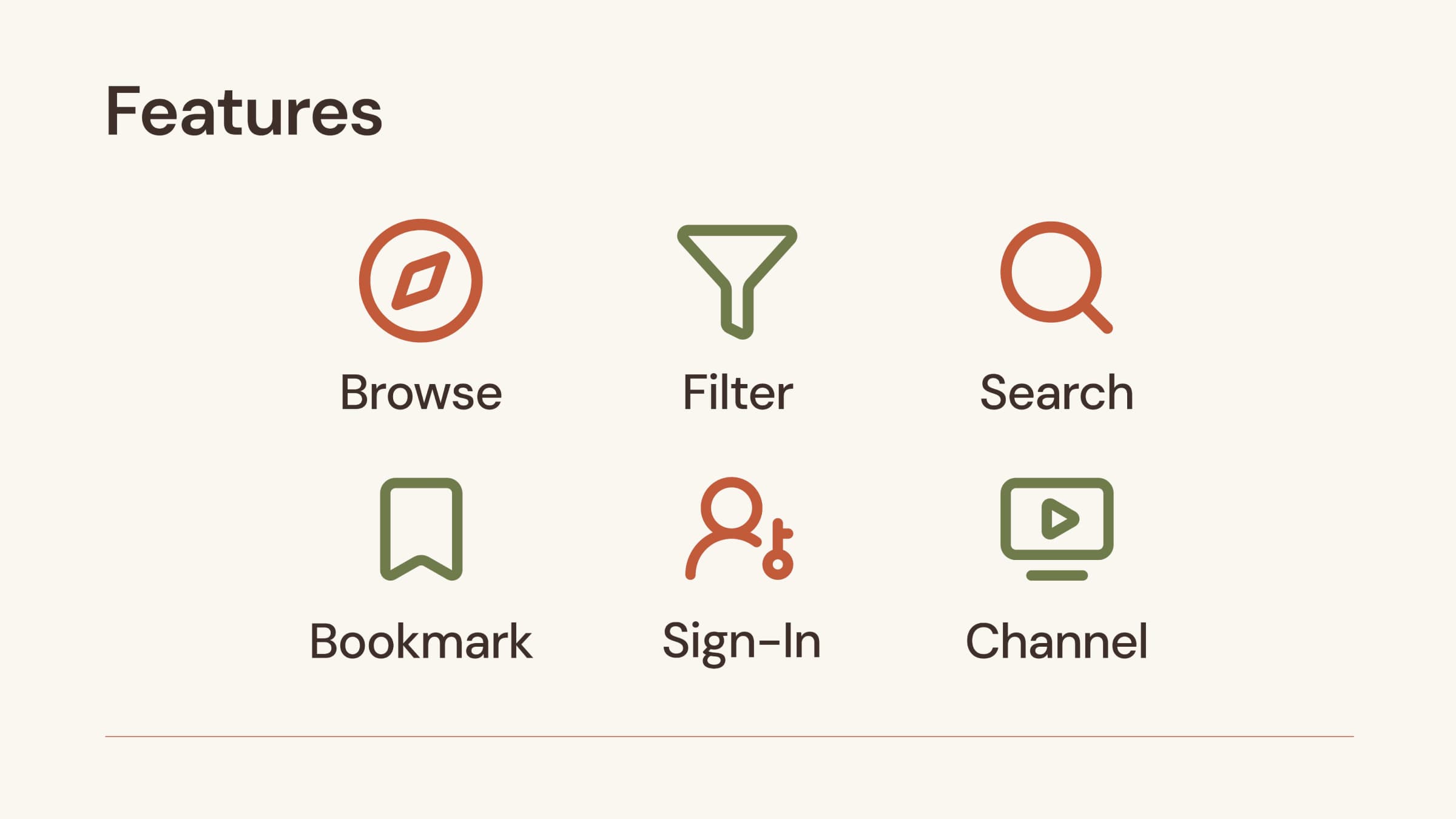
While the app’s layout takes inspiration from YouTube’s familiar interface, I wanted the visual identity to feel distinctly different. Usually, UI for workout content tends to have vivid and energetic colours, but I chose a calm and peaceful mood — like feeling at home.
I chose earthy and warm tones like terracotta, warm clay and olive green evoking a warm, plant-filled interior. These colours are reflected throughout the app — terracotta as the primary colour and olive green for buttons and accents.
MVP
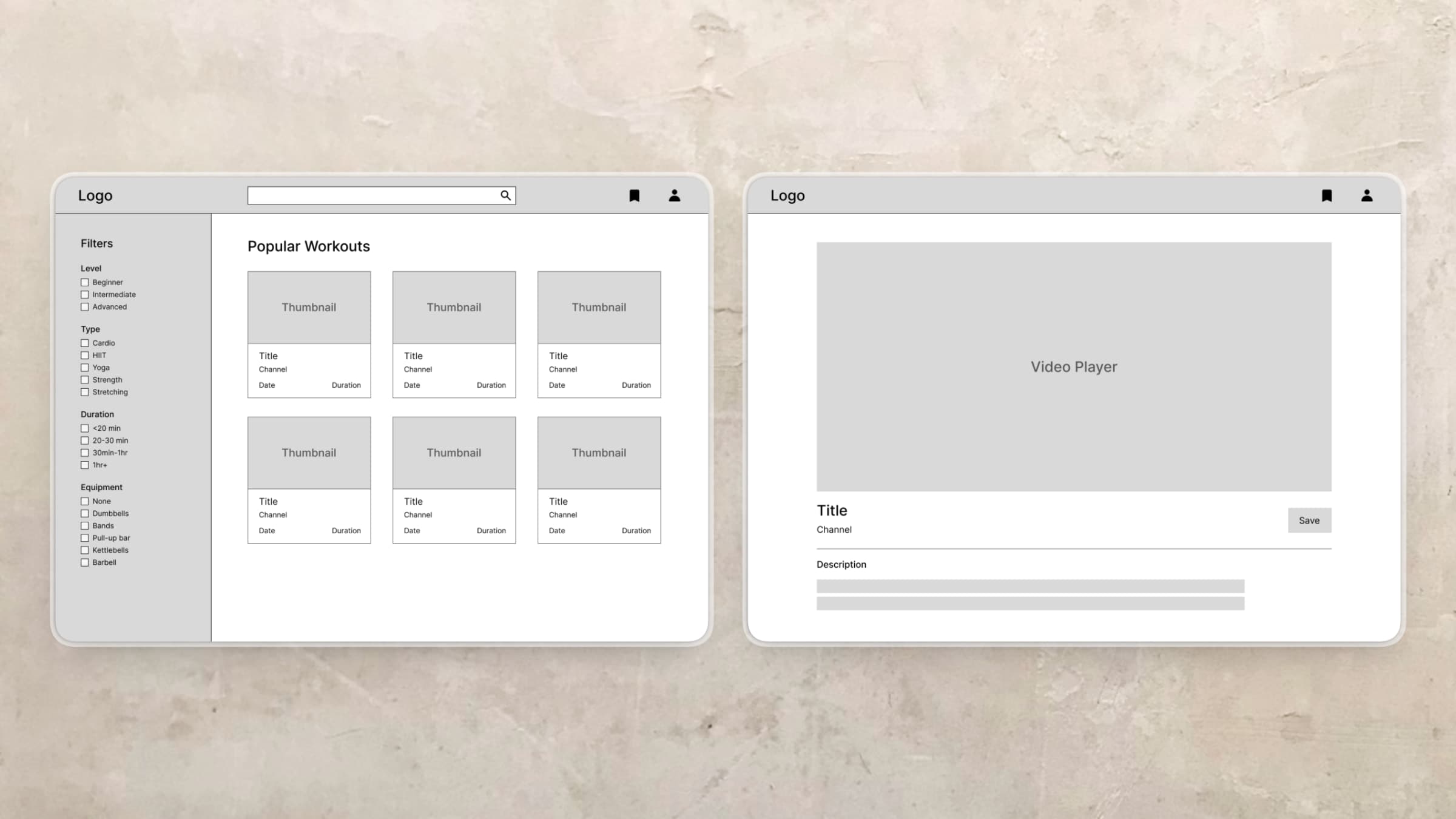
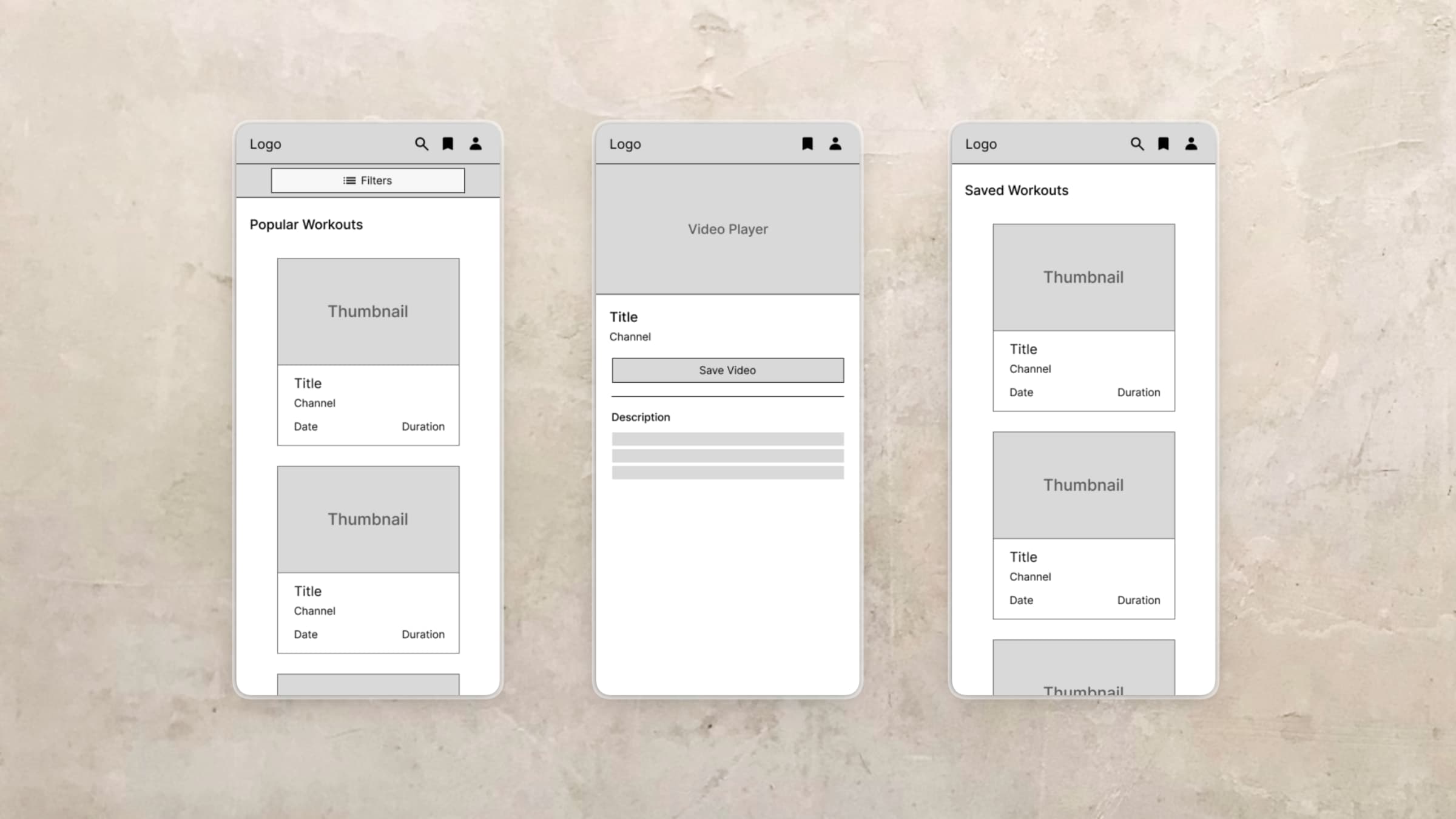
The minimum viable product had three core features: users can browse workout videos with filters, click and watch them, and bookmark them for later. Based on these features, I created wireframes with a simple layout across three pages: Home, Watch, and Saved.
For additional features, I mainly planned authentication and search. The bookmark feature was included in the MVP, but initially stored in browser local storage. Once authentication was implemented, saved videos were migrated to the database so users could access them across devices.
Tech Stack
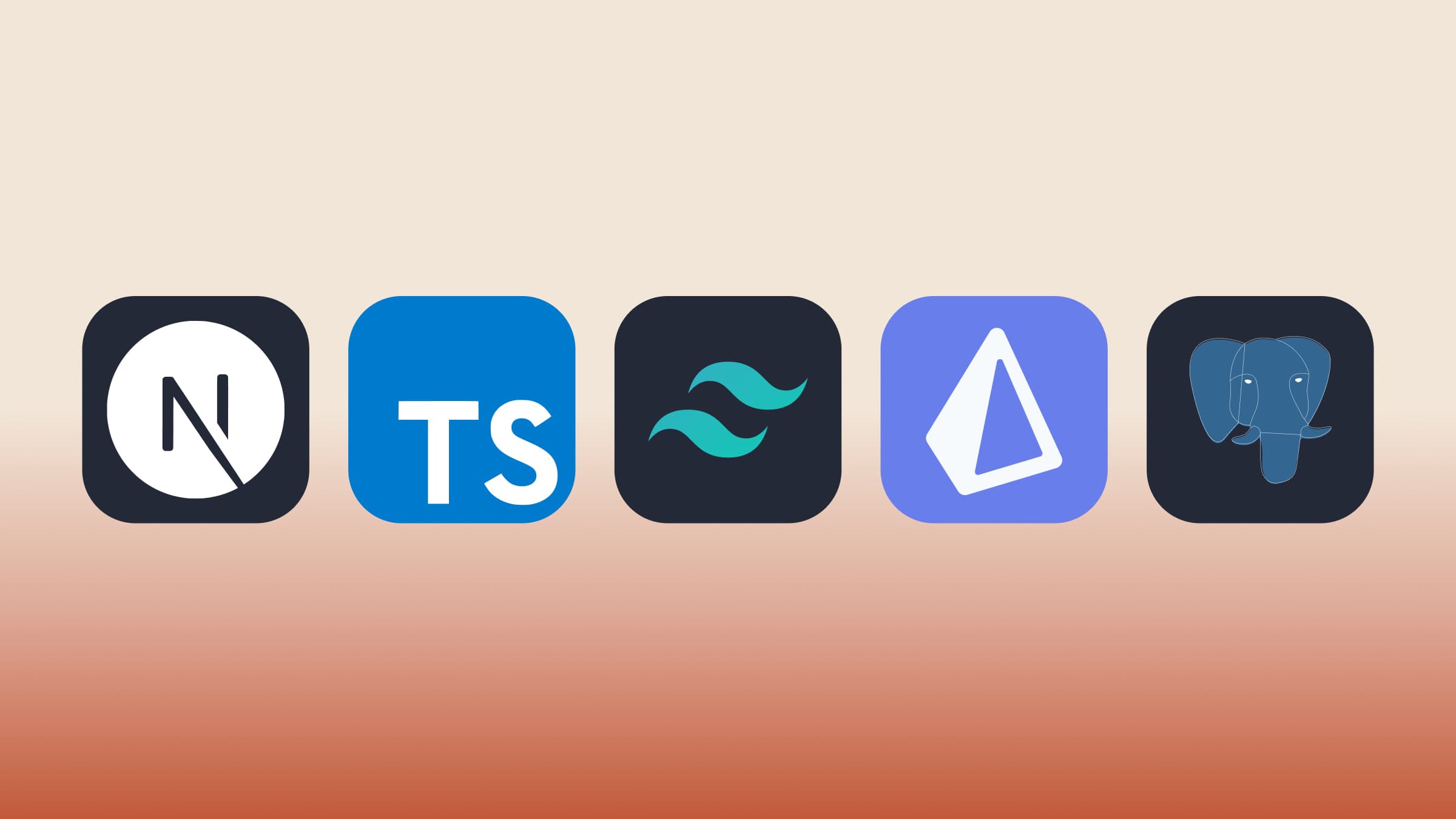
For this project, I used Next.js with TypeScript, Tailwind CSS, Prisma + PostgreSQL, NextAuth with Google OAuth, and deployed on Vercel. This stack provides an all-in-one solution that handles both front-end and back-end, with great SEO and performance support.
I was thinking about using just the MERN stack which I’m familiar with, but I found Next.js was growing in popularity during research. It’s basically React, but it handles both client and server within a single codebase, eliminating the need for a separate backend server. Prisma and PostgreSQL are commonly paired with Next.js, making them a natural choice for this project. This was new to me, but I saw it as an opportunity to learn modern full-stack architecture in practice.
Feedback and Iteration
Throughout this project, I received feedback and made several changes to improve the app.
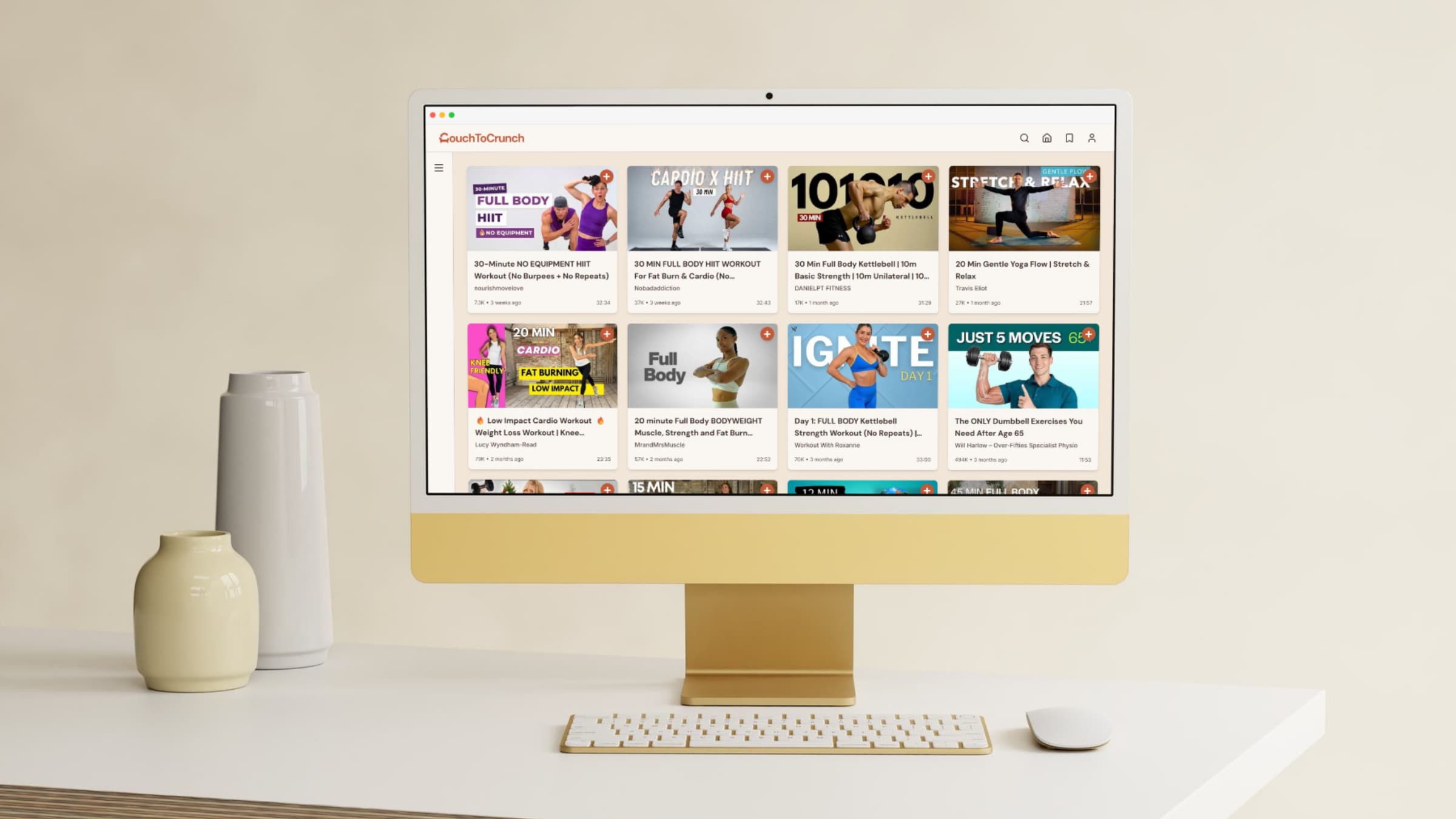
Changing the equipment filter
In the early planning stage, I originally wanted users to filter videos by equipment. During feedback, I was asked how this filter would work in detail. I tried to implement the equipment filtering logic, but the results were not reliable across videos. Because of that, I changed the plan and replaced it with sorting options, which worked more reliably for this project.
Saving & Filter UX
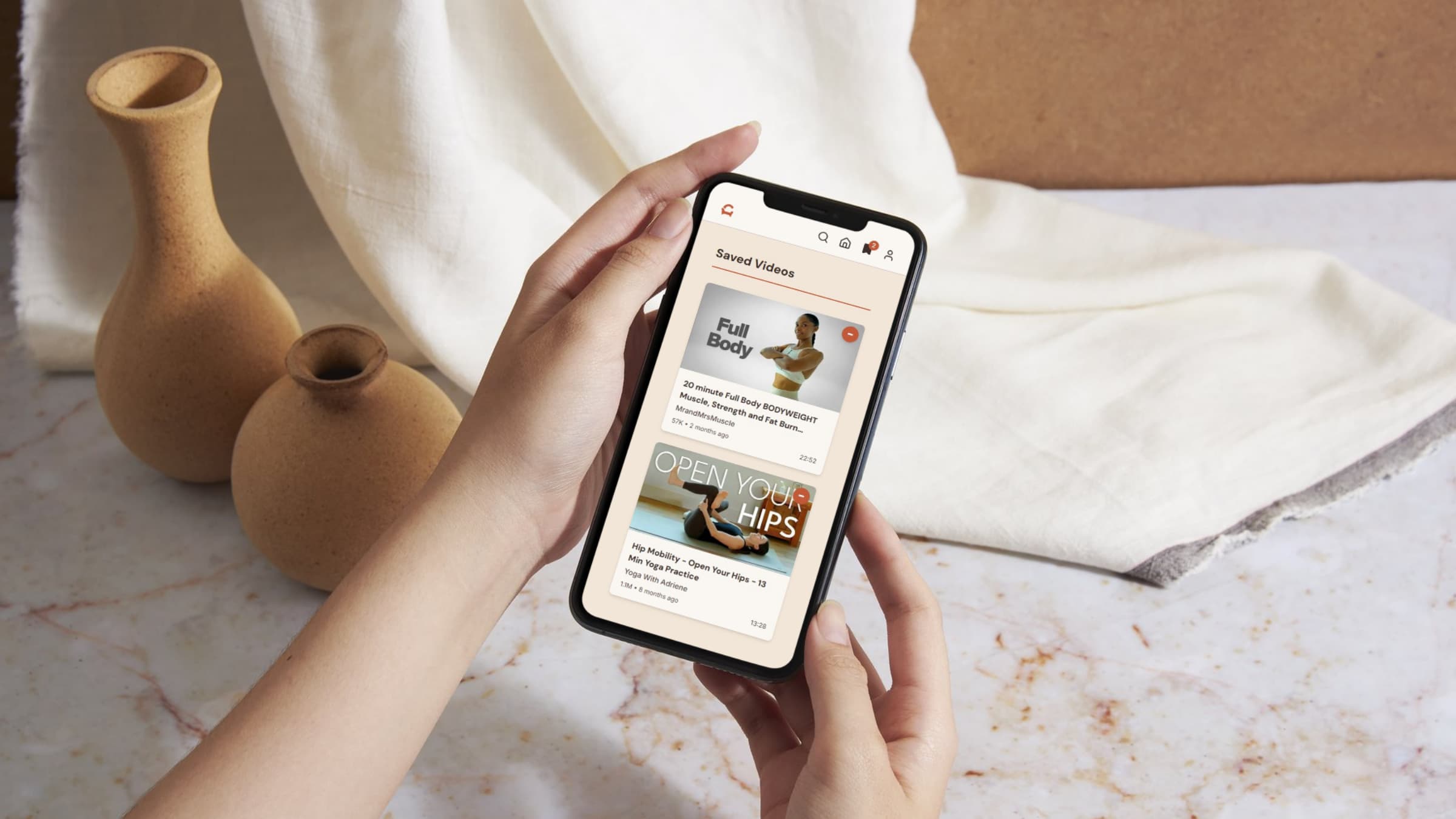
I received feedback that users needed clearer save/unsave feedback and a cleaner filter experience. I added save/unsave controls with clear visual states, made the filter panel collapsible, and refactored the filter inputs to radio buttons and checkboxes for clearer selection behavior.
Navigation & Search Improvements
I improved the header navigation by adding a home icon for clearer wayfinding, and I updated the auth and bookmark icons to better reflect user state. For search, the issue was limited video coverage rather than the feature itself. I expanded the queries and refined the classification logic for more complete results.
Challenges and Solutions
While building Couch to Crunch, I ran into several technical challenges, especially around state management and data fetching.
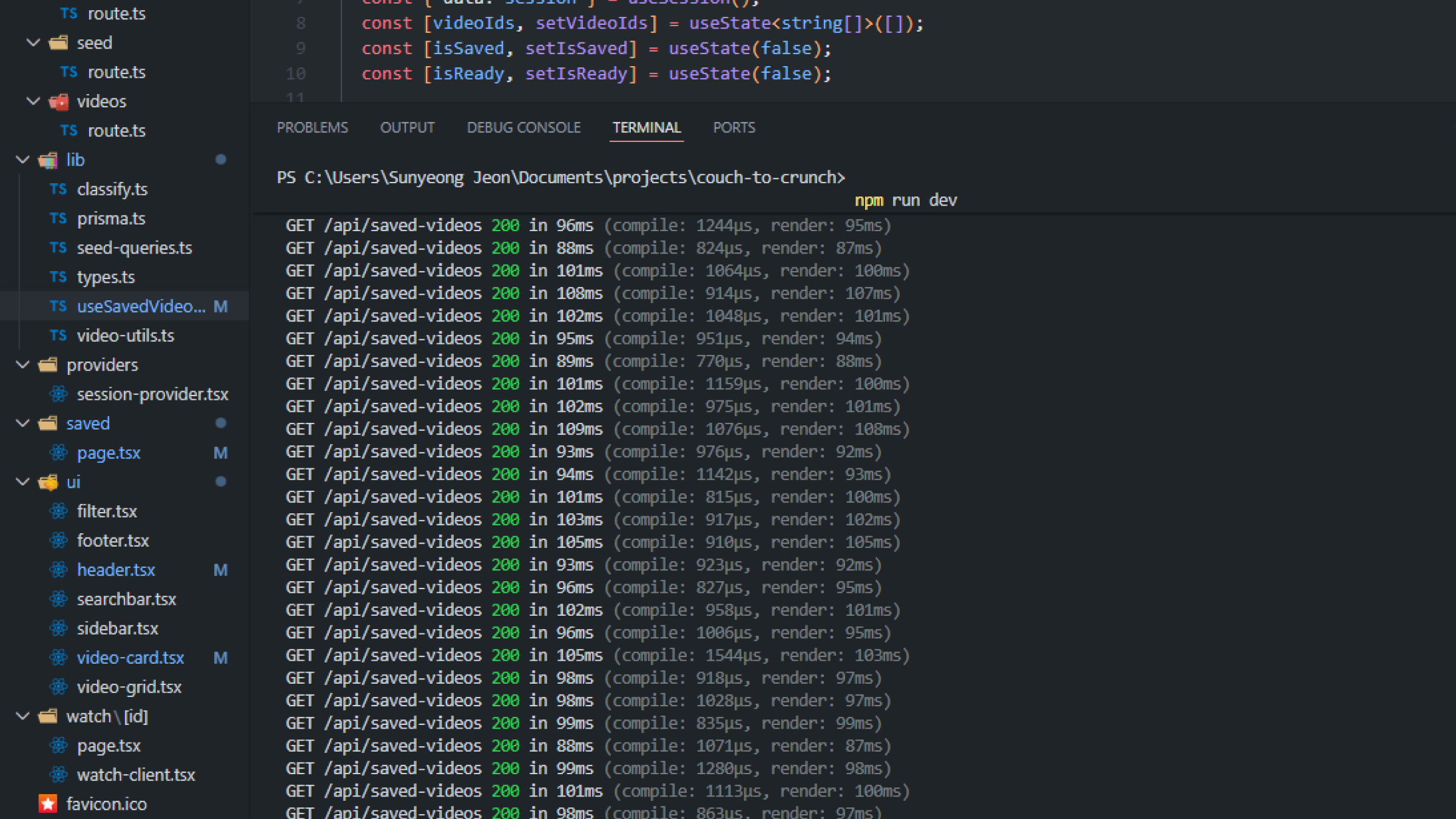
API over-fetching in useSavedVideo
Each video card was calling the same hook on its own, which caused too many requests. This made the page less efficient as the number of video cards grew. I changed the hook to use shared state, so the app only fetches the data once and reuses it across components.
Radio button losing checked state after re-render
At first, the sort radio buttons looked fine, but after I clicked around the page, they stopped staying checked. I found that both the mobile and desktop filters were using the same radio name, so the browser treated them as one group. I removed the name attribute and let React control the checked state directly.
Sidebar state persistence and hydration mismatch
The sidebar state kept resetting every time I moved to another page. I first tried using localStorage, but that caused a hydration mismatch because the server could not read client storage. I moved the state to a React Context provider and only read localStorage after the component mounted.
Guest session race condition
On the Saved page, guest videos loaded twice because the session changed from undefined to null. This caused flickering in the UI. I fixed it by adding an early return while the session was still loading and using a session status value so the change was handled as one event.
Testing
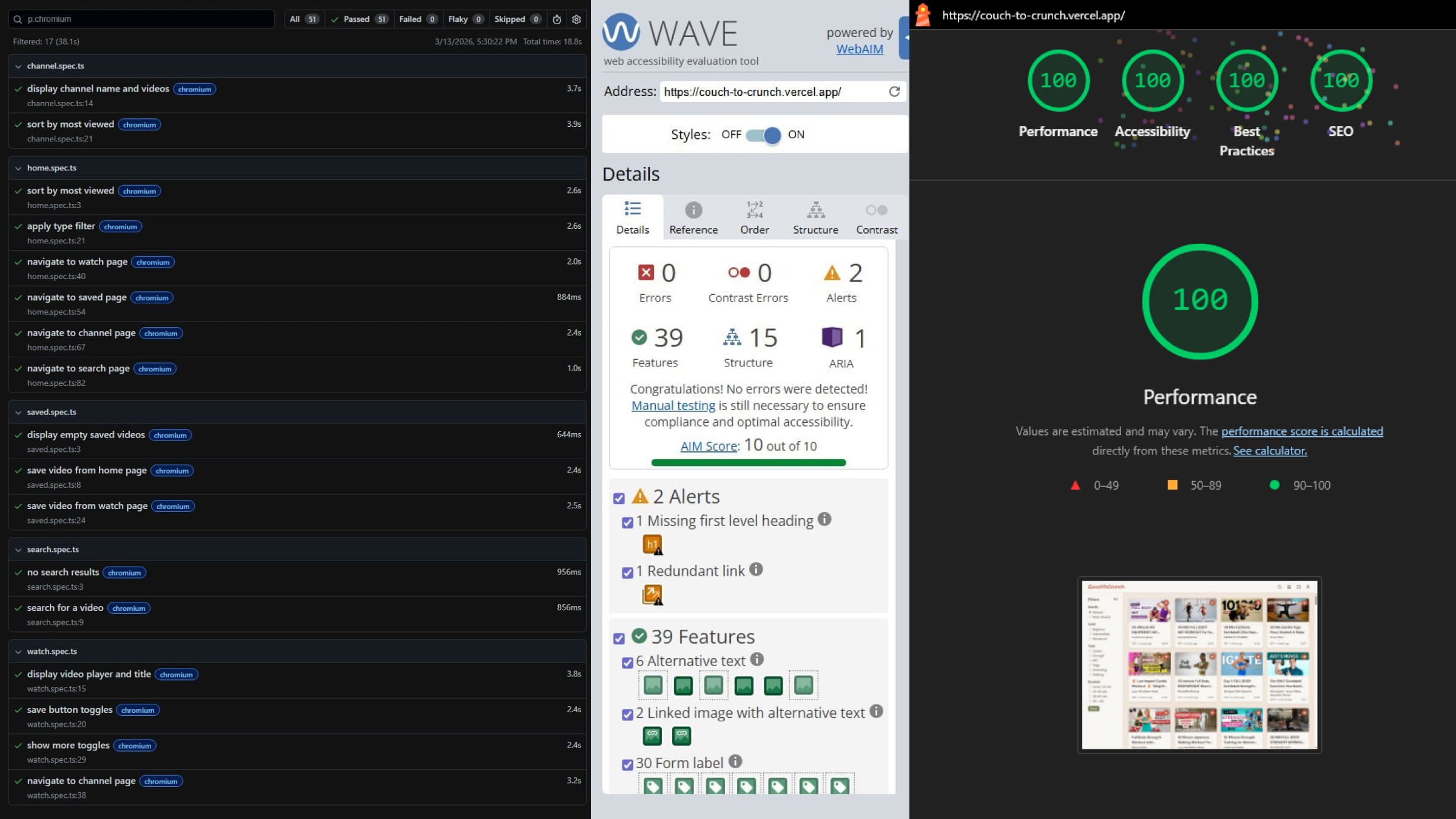
To validate quality, I combined automated and manual testing. I used Jest for core utility and classification logic, and Playwright for end-to-end user flows like navigation, filtering, search, watch, and save/unsave. I also checked accessibility, performance, and responsive layouts across mobile, tablet, and desktop. End-to-end tests passed across Chromium, Firefox, and WebKit, and ESLint found no errors in the main application code.