
Ear2Finger
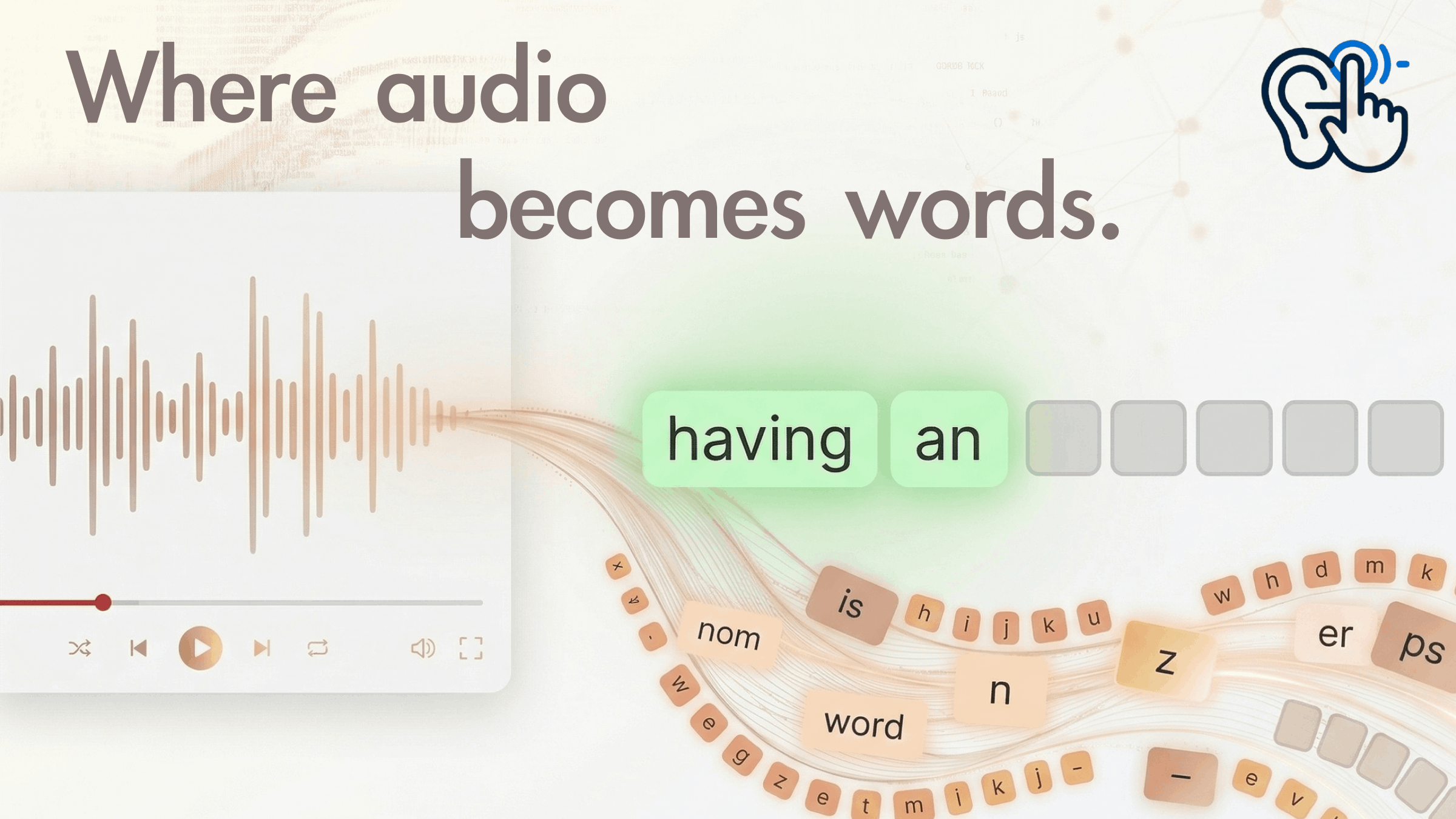
Ear2Finger helps learners improve English listening and spelling through structured dictation:
- Learners work with real YouTube lessons so they hear natural speech and accents while they type what they hear, word by word, with hints when they need them.
- The app keeps learners’ practice history—what they got wrong, how often they used help, and how they improve over time, and uses that data with an AI language coach to explain their strengths and gaps and suggest what to study next, including sentences that reuse words they find difficult.
- By combining repeated, focused listening–typing practice with clear feedback and recommendations, it turns passive watching into active, measurable learning they can sustain over time.
Check out the project online.
Development
Developing Ear2Finger meant turning a listening-and-dictation idea into something people could actually run and grade: YouTube-backed lessons, sentence-level input, hints, playlists, and a dashboard, all wired through a FastAPI backend, SQLite, and a React frontend. Along the way, instructor feedback pushed me toward clarity and low friction—smoother import flows, obvious next steps in the UI, and scripts like run-dev.sh so learners are not stuck on ports, proxies, or PYTHONPATH. That kind of polish competes with feature count; I spent real time on “can someone new run this in ten minutes?” rather than only on internals.
A hard constraint was deployment and YouTube itself. Relying on hosted demos looked simple until cloud IPs or shared environments ran into YouTube / yt-dlp friction (blocking, rate limits, or policy quirks), which made a glossy “just open our URL” story unreliable. I leaned into local-first deployment: documented paths for editable installs, uvicorn on a fixed API port, Vite proxying /api, and optional bundling of frontend/dist into the package for a showcase machine.
What I let go of for the showcase was the AI coach stack—LLM keys, vector search, and the extra moving parts that are powerful but fragile for demos. The lite branch keeps the same SQLite-oriented core (import, dictation, progress, users) so the product still reads as one system, while the full coach variant can stay a separate line of work.
MoodBoard

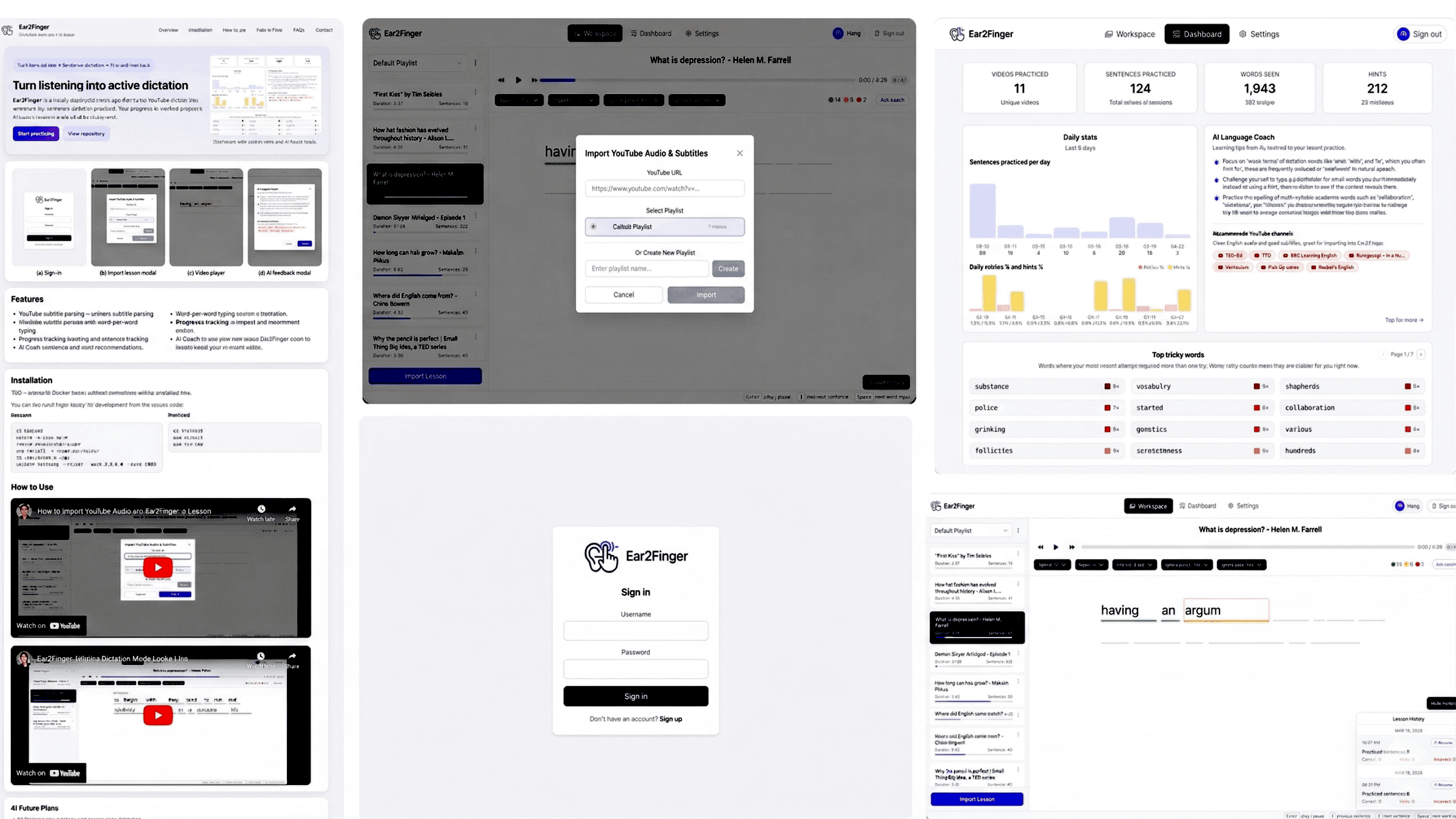
The moodboard for Ear2Finger centers on a focused, encouraging, and modern learning atmosphere. It combines clean layouts, soft neutral tones, and high-contrast typography to reduce distraction and keep attention on listening and typing tasks. The visual direction balances structure and warmth: clear data views for progress tracking, simple interaction patterns for confidence, and subtle AI elements that feel supportive rather than overwhelming. Overall, the moodboard expresses disciplined practice with a friendly coaching tone—serious enough for real improvement, but approachable enough for daily use.
Branding
User Interface
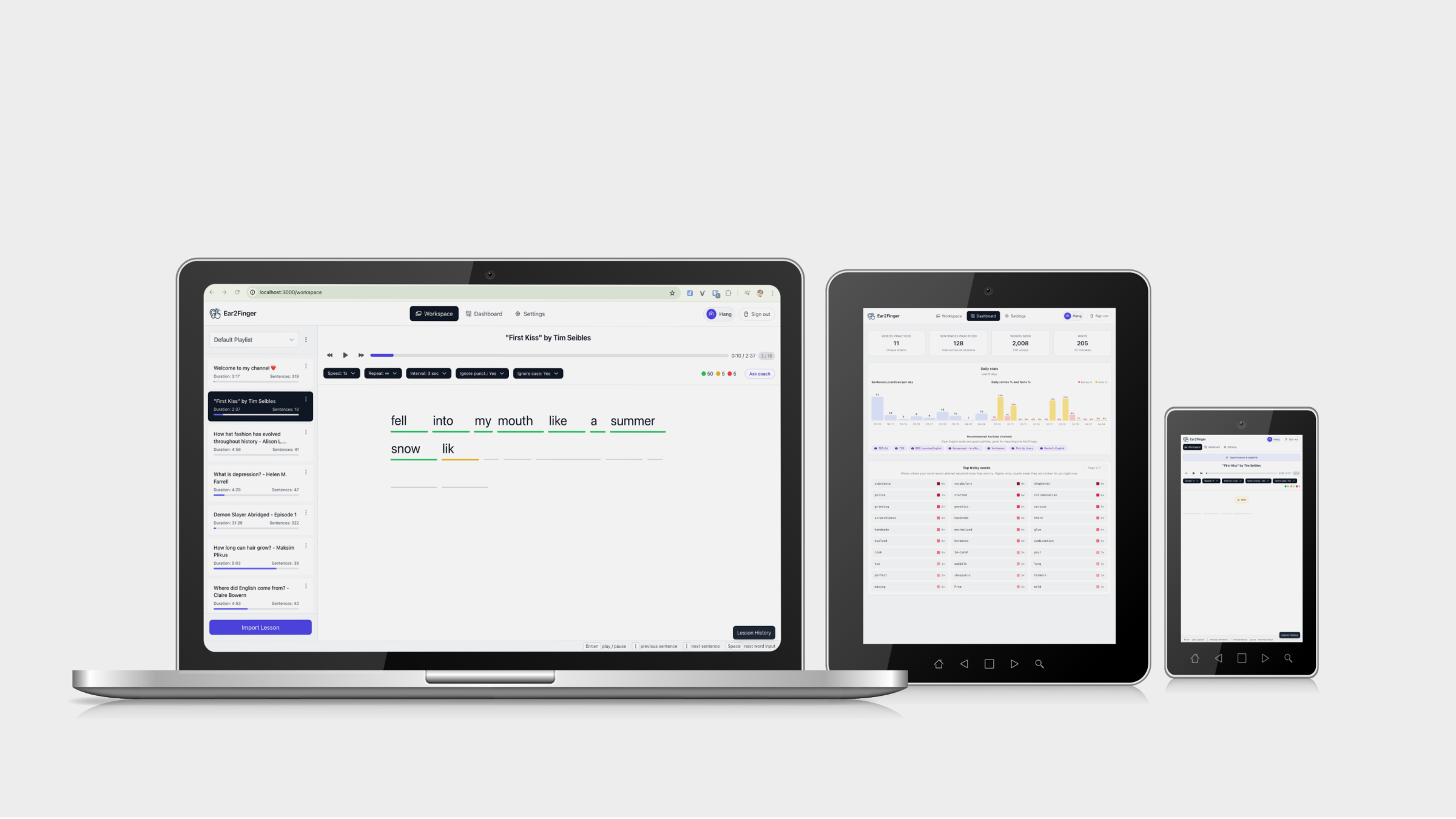
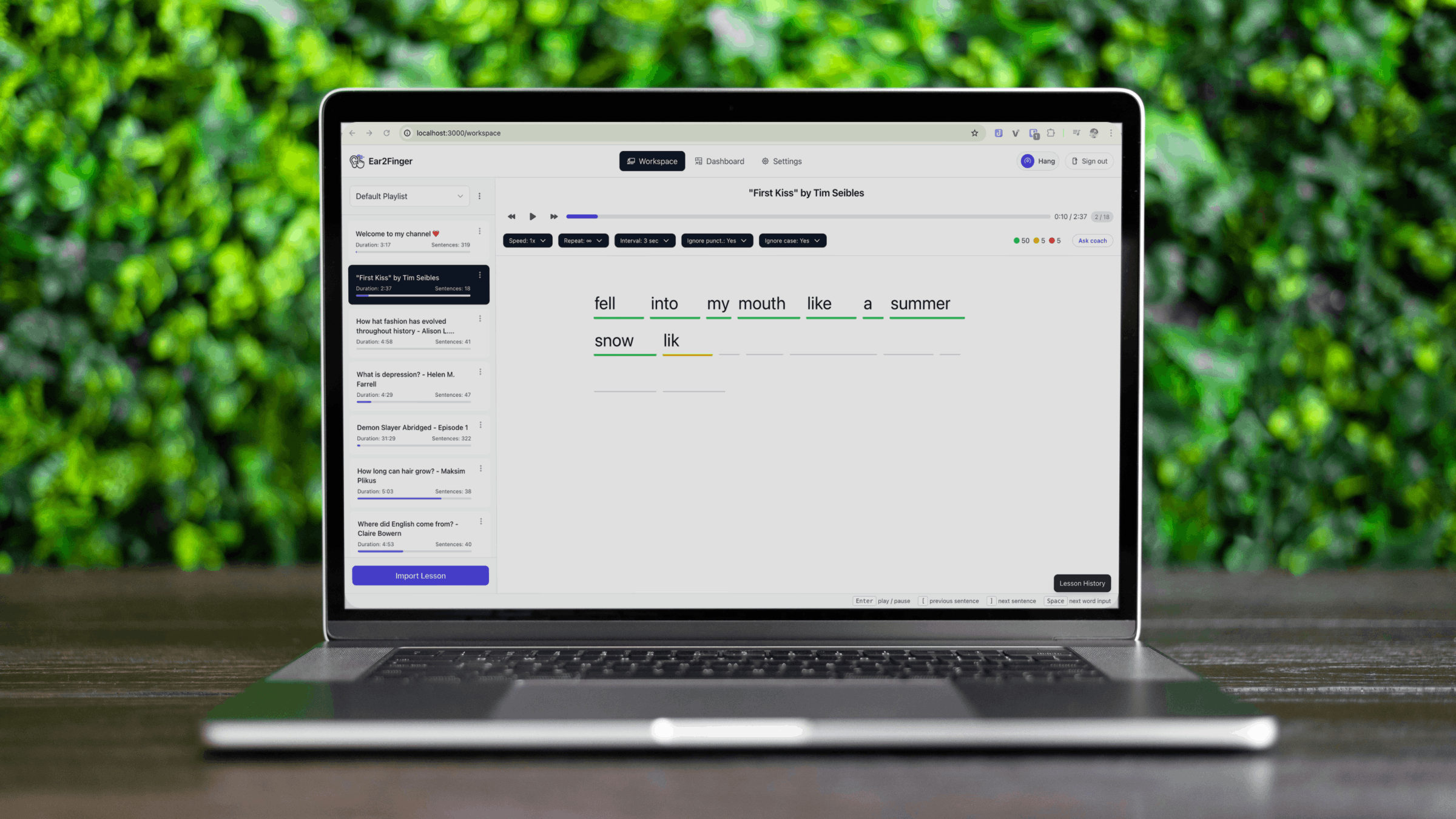

The Ear2Finger interface is a single-page React app built with Tailwind: after login or registration, users land in a protected shell with navigation between the main areas. The Workspace is the core practice screen—sentence-by-sentence dictation with per-word input, hints, and playback tied to imported content—while YouTube is where they paste a URL, pull subtitles, and prepare lessons. A Dashboard summarizes practice stats and progress over time, Settings covers account and app preferences (including admin-style options where applicable), and the overall layout keeps import → practice → review as the obvious path so learners are not hunting for the next step.
Key screens are organized around the main actions—sign in, choose or import practice content, complete dictation in a word-by-word workspace, and then review progress on a dashboard—so users always know what to do next. The UI highlights feedback and next-step recommendations without overwhelming the user, using clear hierarchy, readable spacing, and supportive empty/error states. Overall, the mock-ups aim to reduce friction, build consistency, and make the AI coach feel like a helpful companion that strengthens your practice over time.
Tech Stack
Frontend
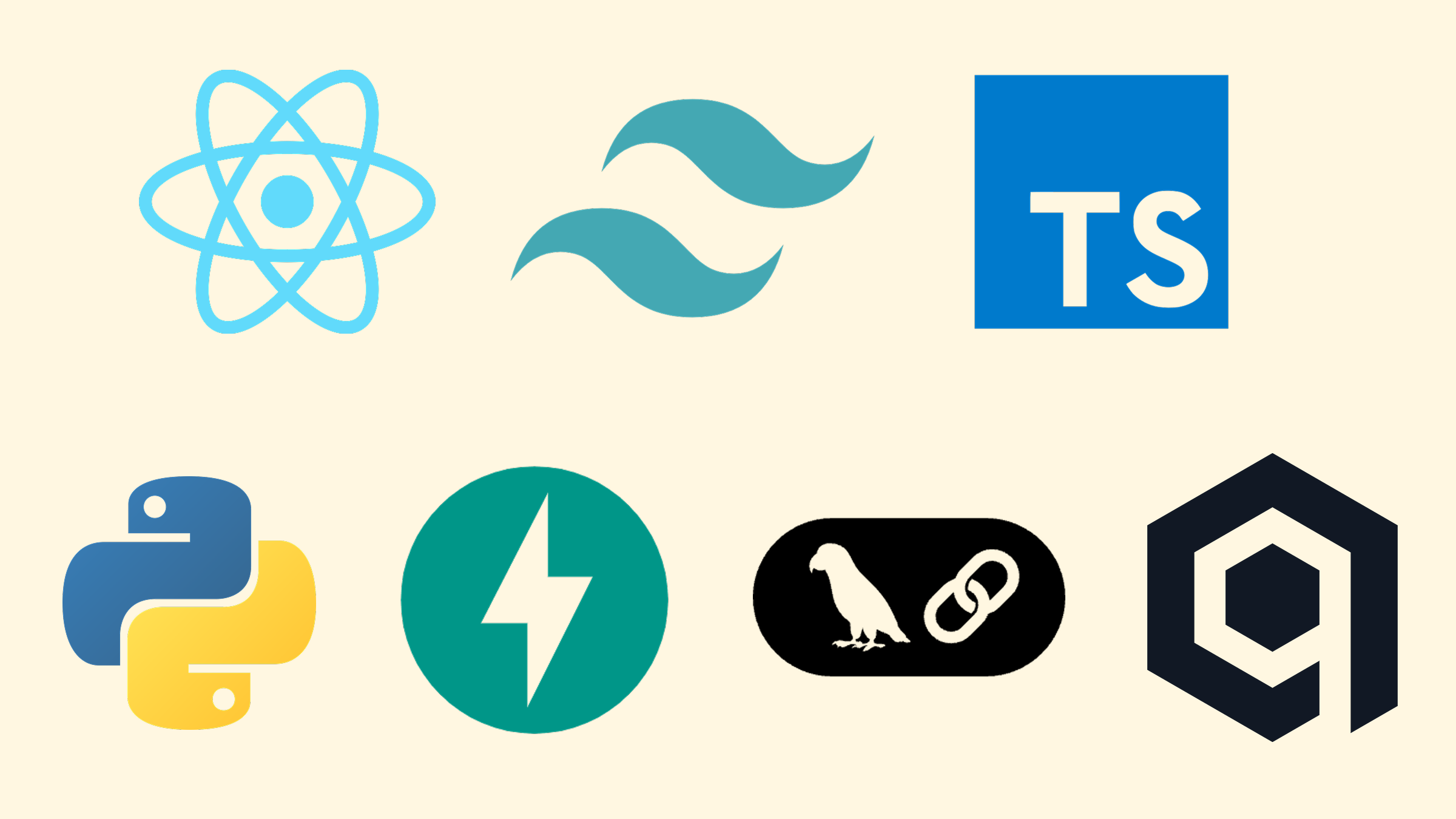
- React
- TypeScript
- Vite — build & dev server
- Tailwind CSS — styling
- Axios — HTTP client
- React Router — client-side routing
Backend
- Python
- FastAPI — HTTP API
- Uvicorn — Server
- SQLite — Primary database
- yt-dlp — YouTube metadata, subtitles, media
- FFmpeg — Audio conversion
- Qdrant — Vector store
- sentence-transformers — Local embeddings
- LangChain + Google Gemini — AI coach / LLM