
Food Bridge
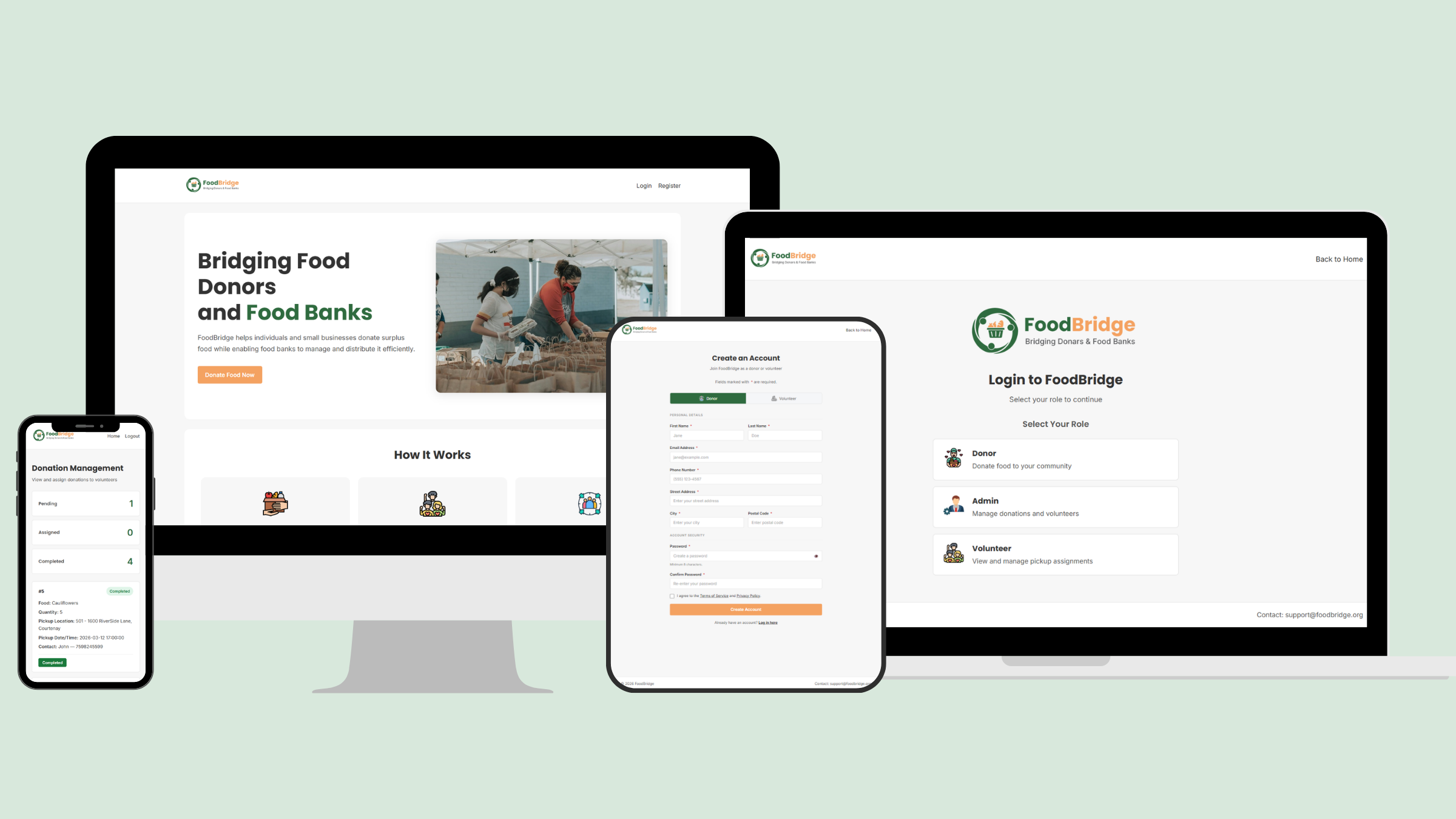
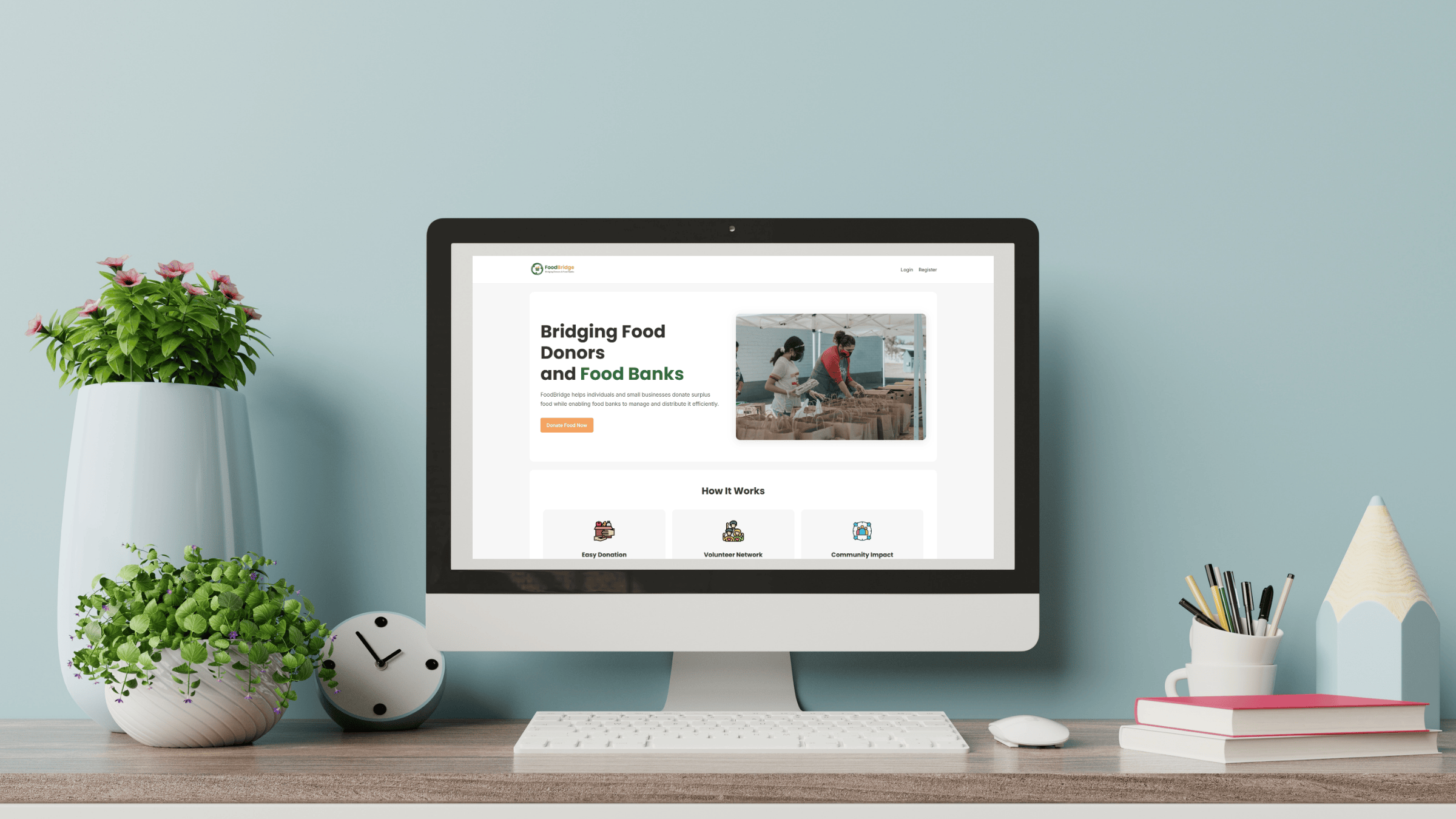
FoodBridge is a community-focused platform that connects food donors with local food banks, making it easier to coordinate physical food donations at a neighbourhood level. Most existing platforms like Feeding America and Food Banks Canada are built around monetary donations and large-scale awareness, leaving a clear gap in local, day-to-day coordination of physical food donations. Individuals and small businesses who want to donate surplus food have no simple way to communicate what is available, in what quantity, and when it can be collected.
I built FoodBridge to fill that gap. Donors submit food details, pickup location, and preferred pickup time through a straightforward form. An admin reviews submissions, assigns volunteers, and tracks donation status. Volunteers manage their pickups through their own dashboard.
Built with HTML, CSS, JavaScript, PHP, and MySQL, the platform is lightweight, zero-cost, and designed to work across devices with a focus on simplicity and usability.
Planning and Research
I started by mapping out the three core users the platform needed to serve: donors who submit food, an admin who manages and assigns pickups, and volunteers who complete them. From there I reviewed platforms like Feeding America and Food Banks Canada to confirm what was missing at the local level before locking in the scope.
The planning phase involved building a Gantt chart to map out 13 weeks of work across design, development, and testing. Scoping this early helped me stay on track, though the timeline shifted slightly as backend complexity grew more than anticipated.
Design Decisions
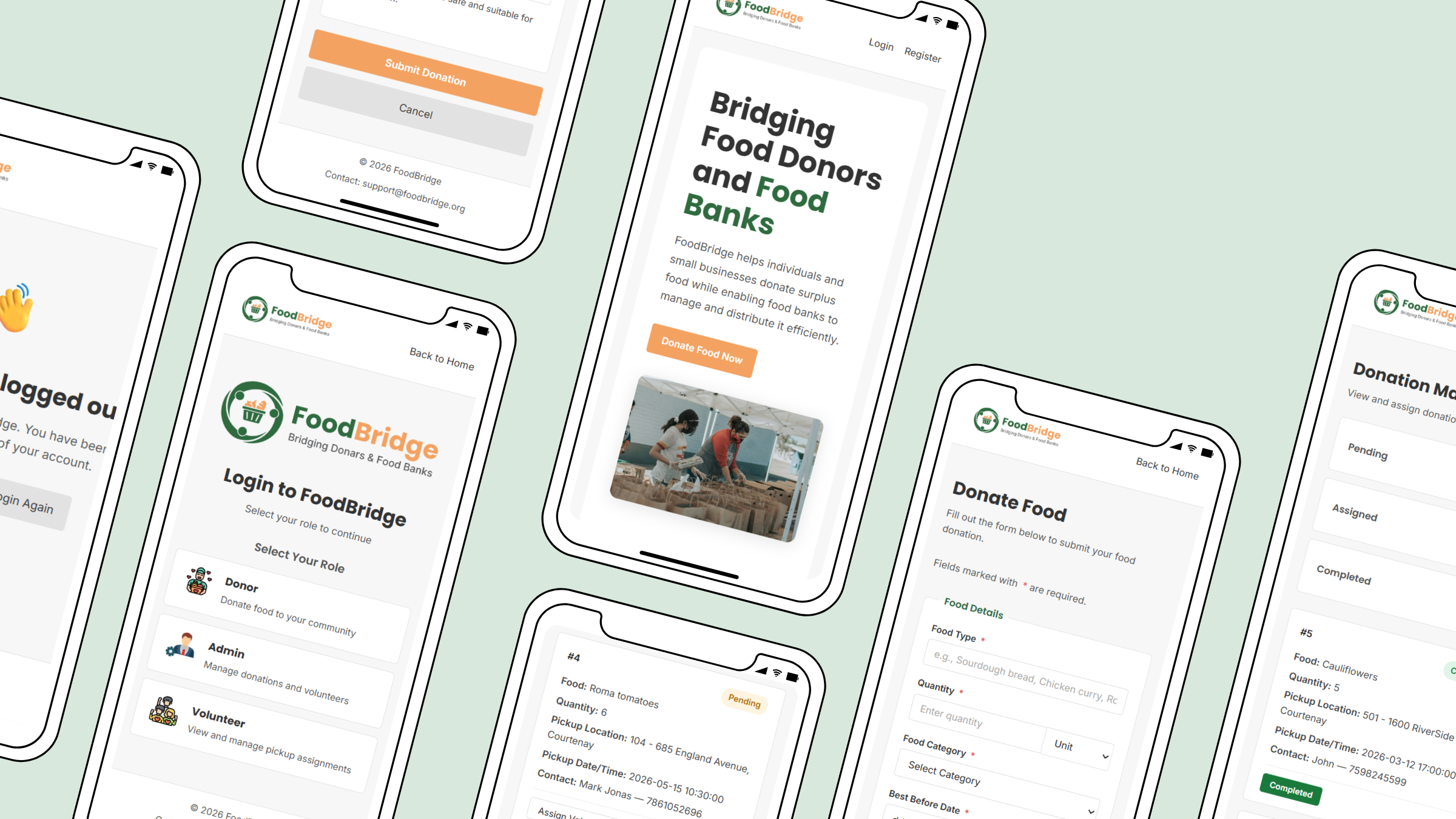
The colour palette came from the nature of the project itself. Green felt right for food and community trust, and orange for action – it became the primary button colour throughout. Both Poppins and Inter were chosen to keep the interface clean and readable without any decorative fonts getting in the way.
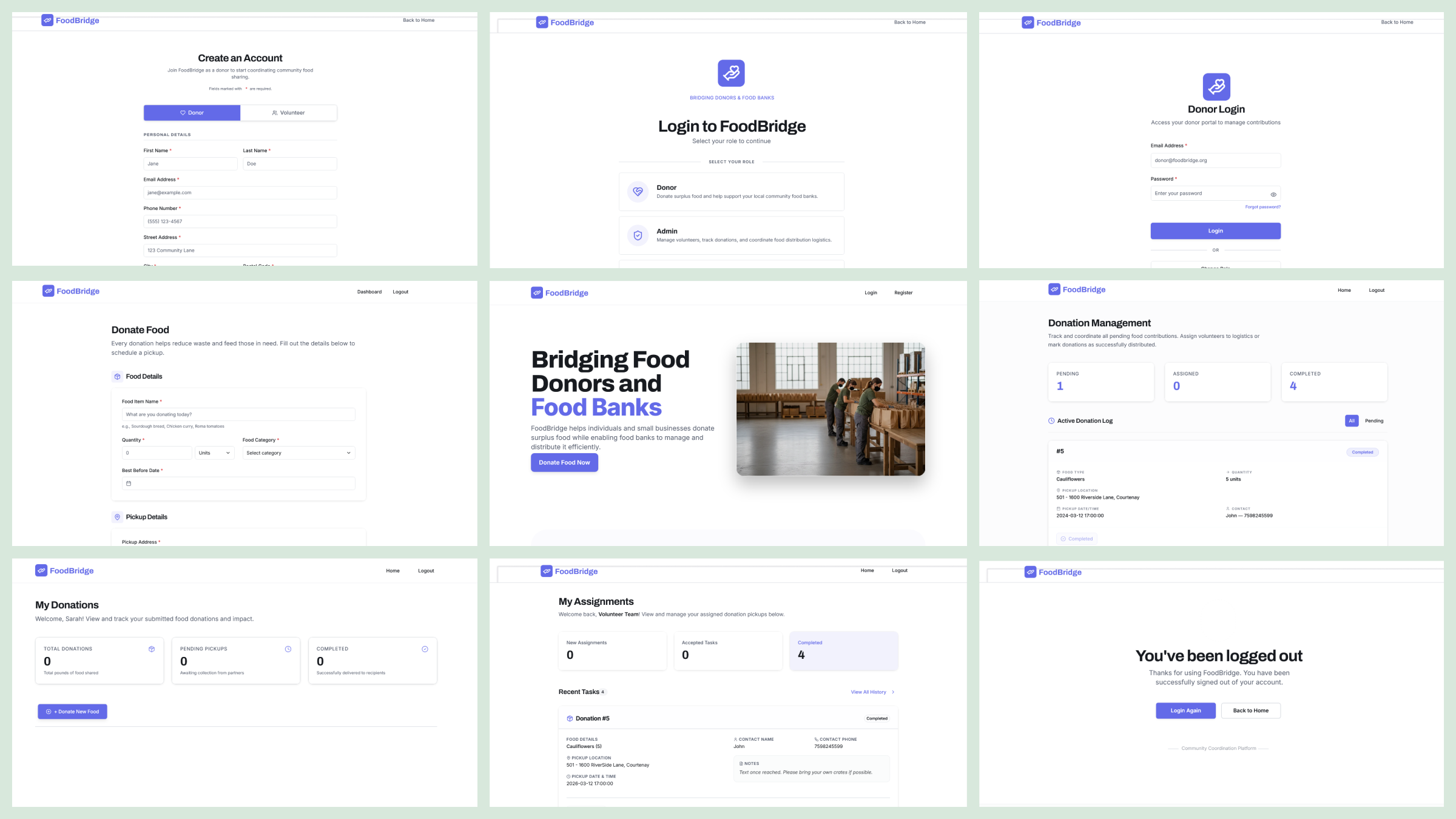
The interface was designed with a card-based layout across all dashboards and a clear fieldset structure for the donation form. Rather than building a complex UI, the goal was structured simplicity – something that works on mobile and desktop without confusion. The role selection page was an intentional decision to keep each user type separated from the start, so donors, admins, and volunteers each land in the right place.
Development
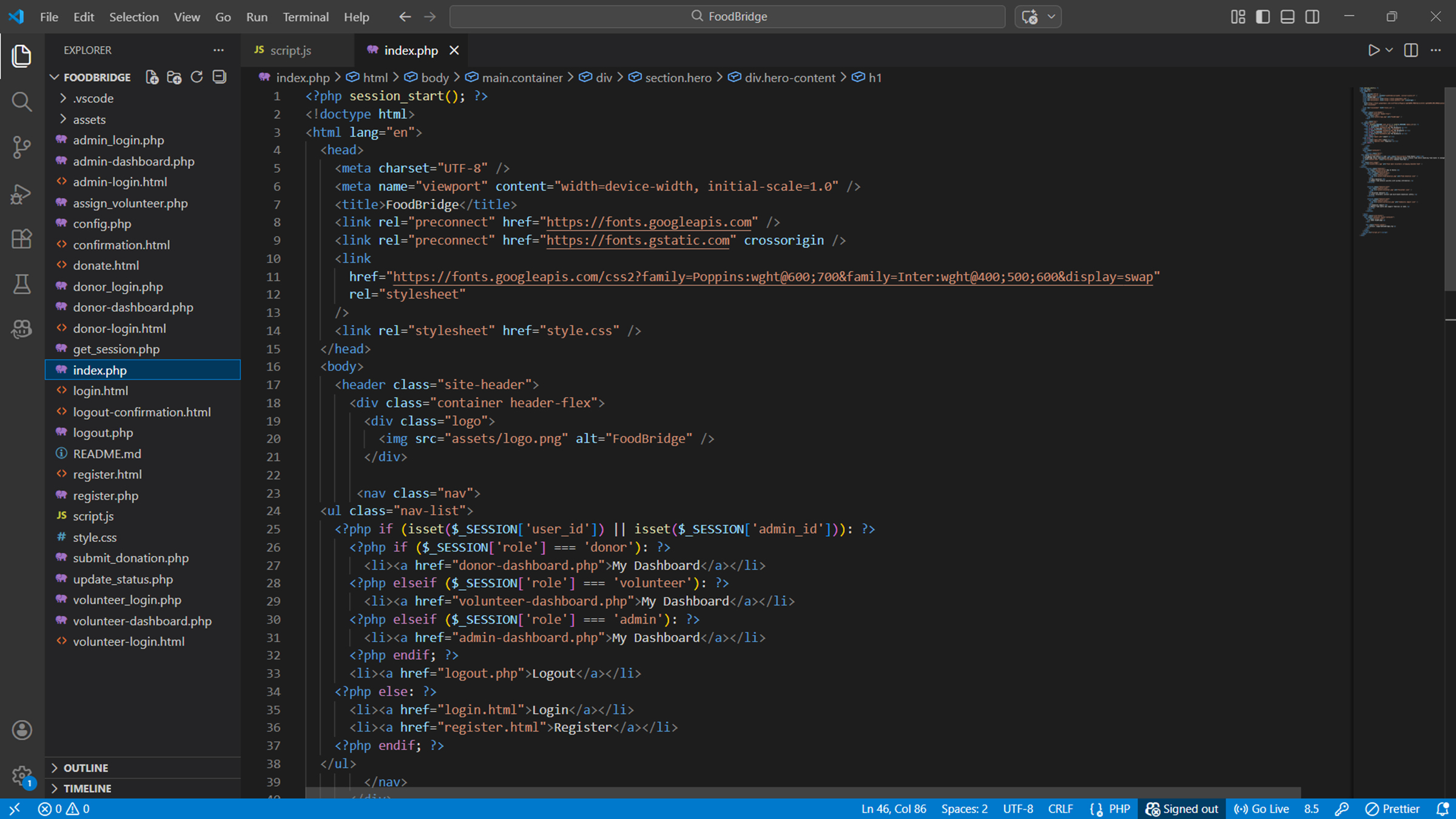
One early decision that shaped the whole build was making the donation form work for both guests and logged-in users. A guest can donate without an account, but if a donor is logged in, their contact and address details are prefilled automatically. This was handled by fetching session data from get_session.php on page load using JavaScript, then populating the form fields and removing the required attribute from fields that were already filled. It took more time than expected to get right but improved the experience significantly.
Another challenge was the extent of PHP required. The initial plan assumed most pages would stay as static HTML, but since almost every page depends on session data or database content, most files had to be converted to PHP. This added refactoring work mid-build that was not in the original timeline.
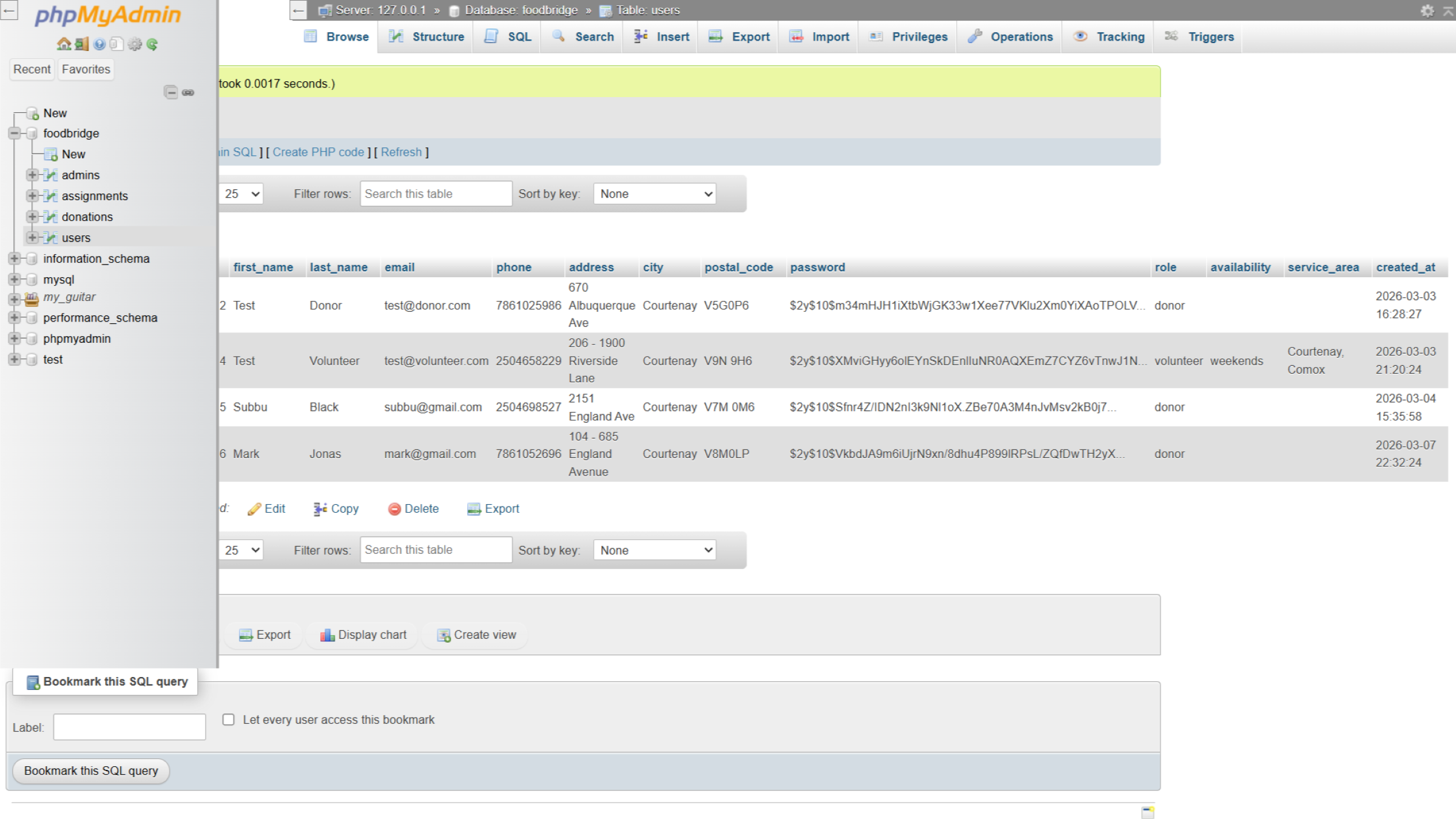
The three-role system was implemented using PHP sessions and MySQL. Each role has its own login, dashboard, and permissions. The volunteer dashboard connects directly to the assignments table, and when a volunteer updates a donation status, it reflects immediately in the admin dashboard through a shared database record.
Challenges
The prefill logic for logged-in users took more time than expected. Fetching session data, populating the right fields, and handling the guest versus logged-in state required several rounds of fixing before it worked reliably.
Converting most HTML pages to PHP mid-build was not planned. Almost every page ended up needing session checks or dynamic content, which meant going back and restructuring files that were already written.
Connecting the volunteer status update to the admin dashboard required careful coordination between the fetch call, the PHP update, and the frontend badge. Getting it to reflect correctly took some debugging.
Responsive layout adjustments also took longer than expected, particularly for the donation form and dashboards on smaller screens.
Testing
End-to-end testing covered the full workflow: a donor submits a donation, the admin assigns a volunteer, the volunteer accepts and marks the pickup complete, and the status updates across both dashboards. Form validation was tested for empty fields, invalid email formats, and phone number format. Edge cases like submitting past dates and empty required fields were also checked.
Reflection
Looking back, navigation was one area I would approach differently. Each page currently handles its own header independently, which meant nav links vary slightly across pages depending on login state. Planning a consistent, reusable navigation structure from the start would have saved time and produced a more uniform experience across the site.