
Kurakani
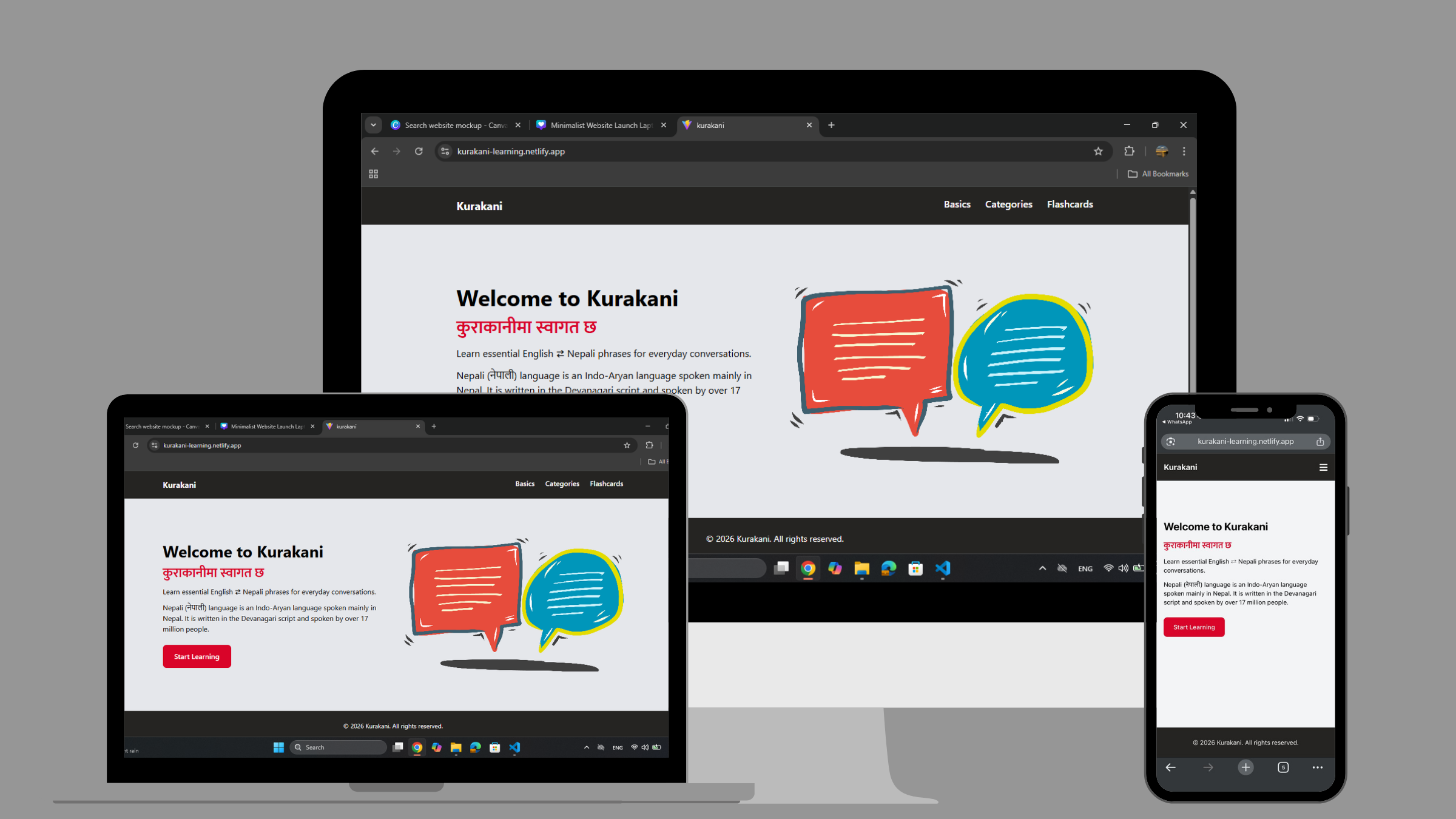
Kurakani is a web app designed to help beginners learn basic Nepali phrases and pronunciation. Many existing language tools are either too complex or not focused on practical, everyday communication. This project addresses that gap by providing a structured and interactive platform that emphasizes clarity, usability, and real-world language use.
The application was developed using React and follows component-based architecture supported by a centralized data system. It combines categorized phrase learning, phonetic pronunciation, and interactive features such as audio playback and flashcards. A custom design system was applied using consistent colors, spacing, and typography. The outcome is a responsive and user-friendly application that allows users to explore phrases, listen to pronunciation, and practice translations, supporting both passive learning and active engagement.
Check out the project online.
Design
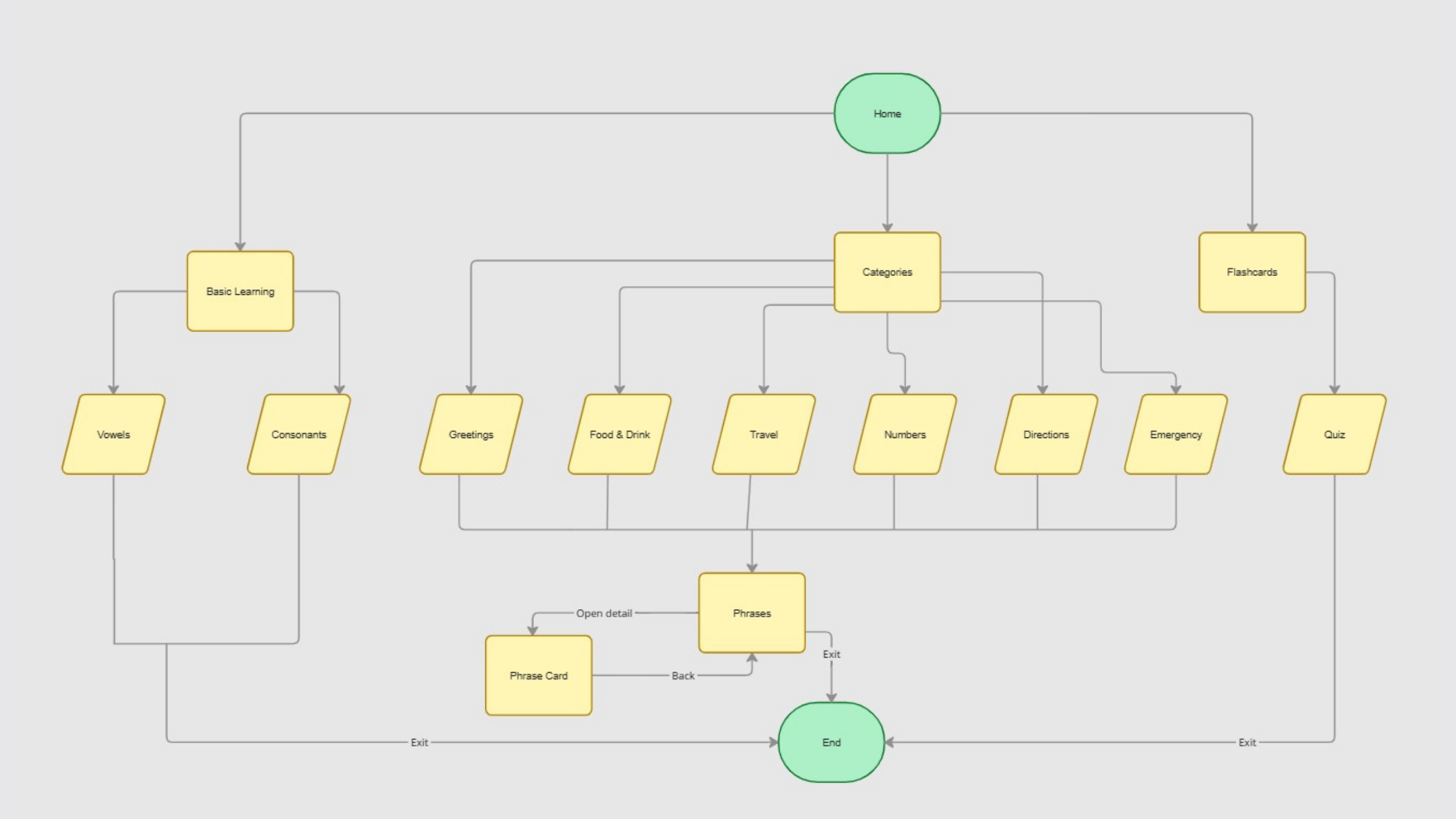
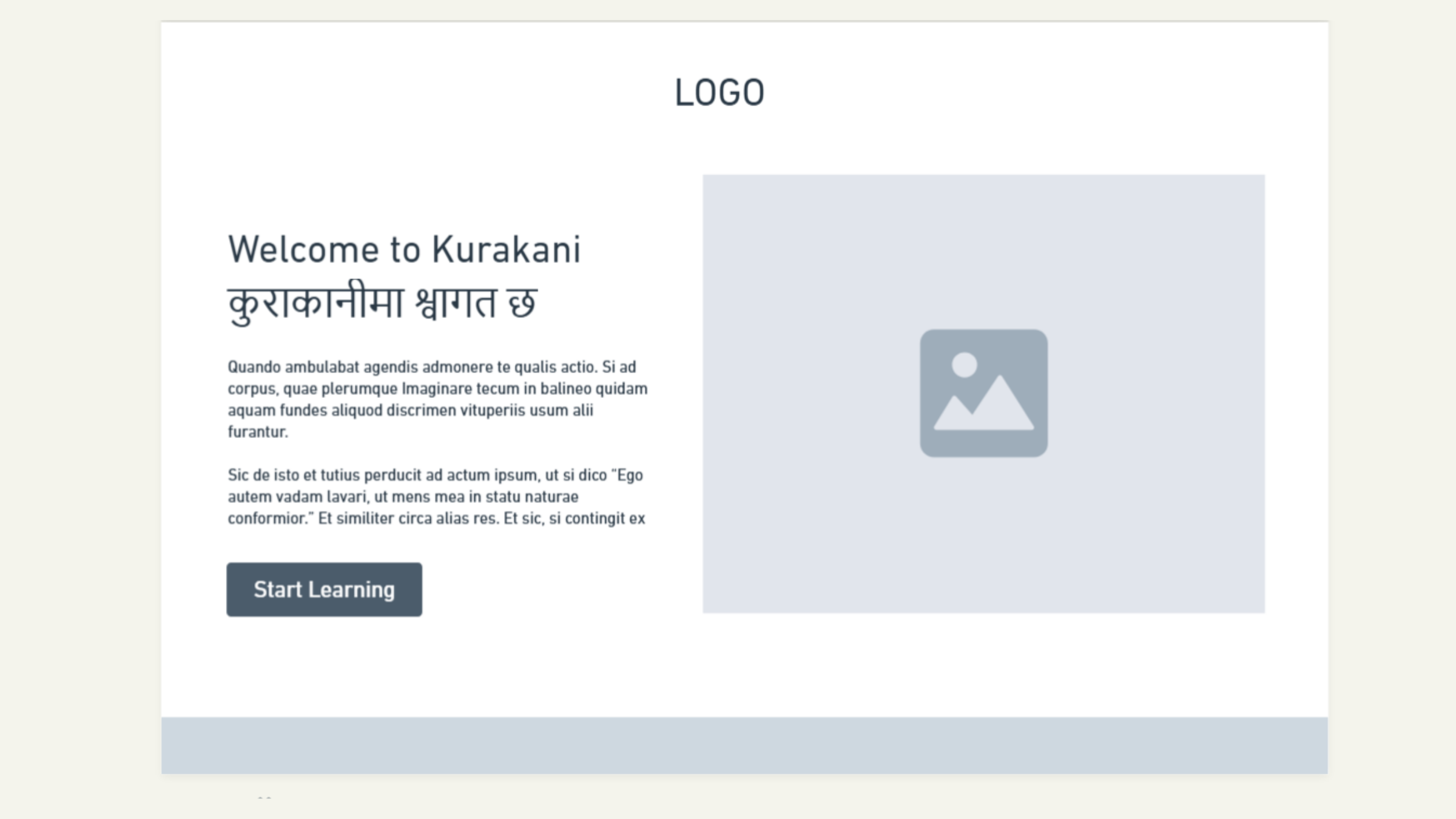
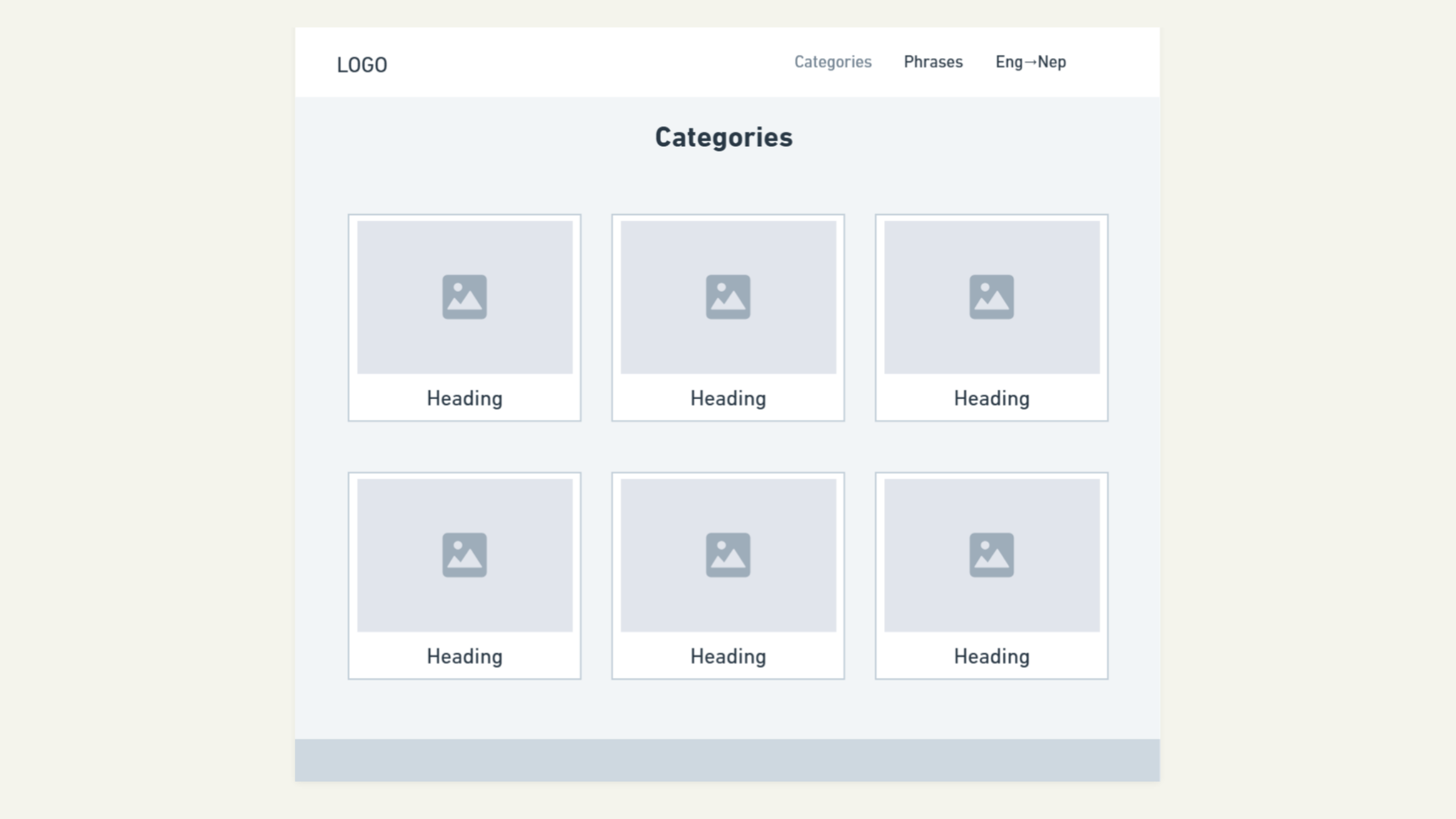
The project began with designing a clear and simple structure focused on beginner usability. I created a navigation system with four main sections: Home, Basic Learning, Categories, and Flashcards, allowing users to progress from foundational knowledge to interactive practice.
A centralized data structure was implemented to manage phrases, including translations, phonetic spelling, and audio references. This enabled consistent and dynamic rendering across components.
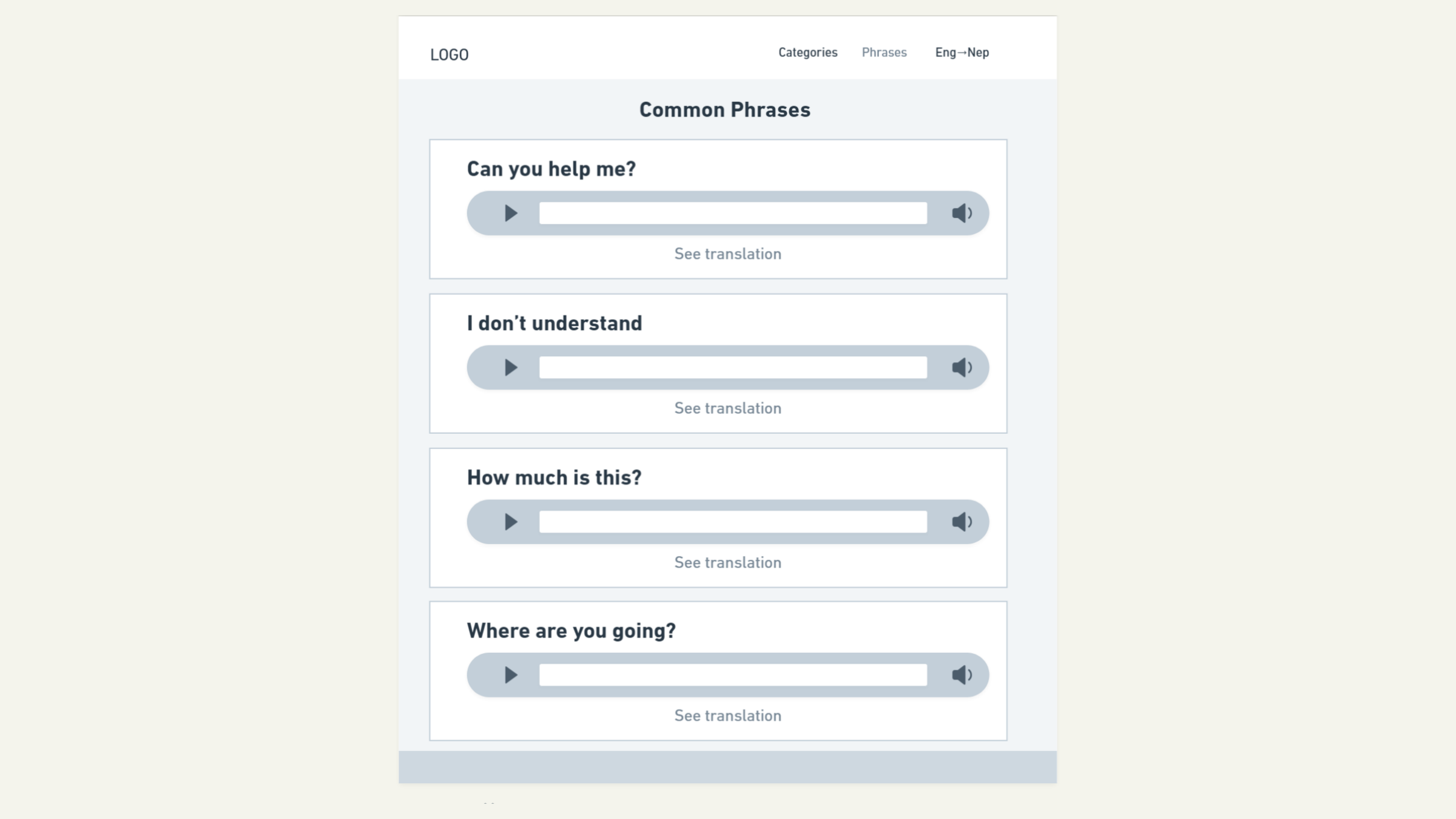
Based on feedback, the project evolved to improve interactivity and accessibility. The original “Common Phrases” page was replaced with a Flashcards feature, and a Basic Learning page was added to introduce alphabets and simple words.
MVP (Minimal Viable Product)
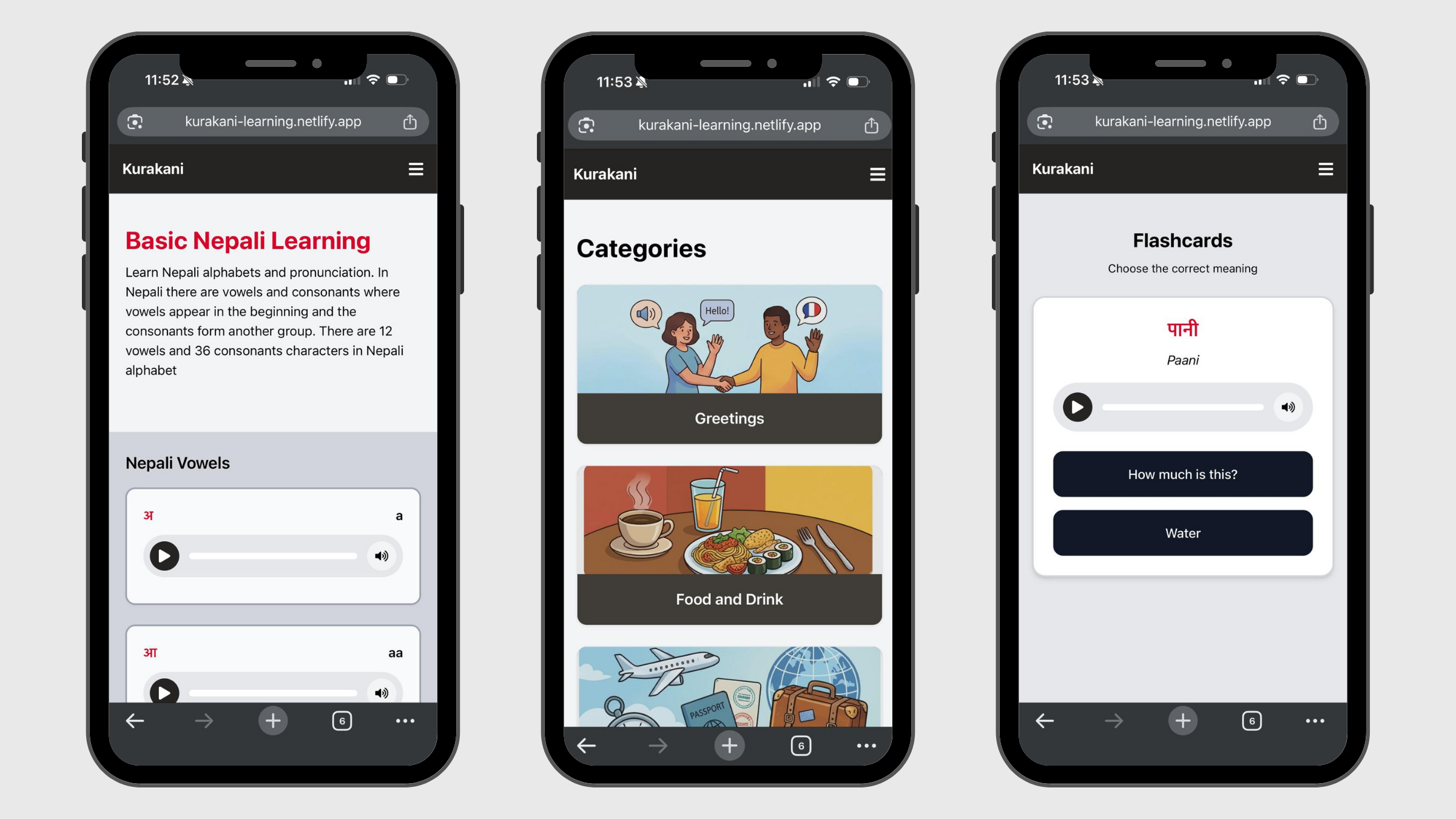
The minimum viable product focuses on delivering the essential features required for beginner language learning. It includes a Basic Learning page for alphabets and simple words, categorized phrase learning, and an interactive flashcard system for practice. Each phrase is presented with phonetic spelling and audio pronunciation, allowing users to both understand and hear the language.
Tech Stack
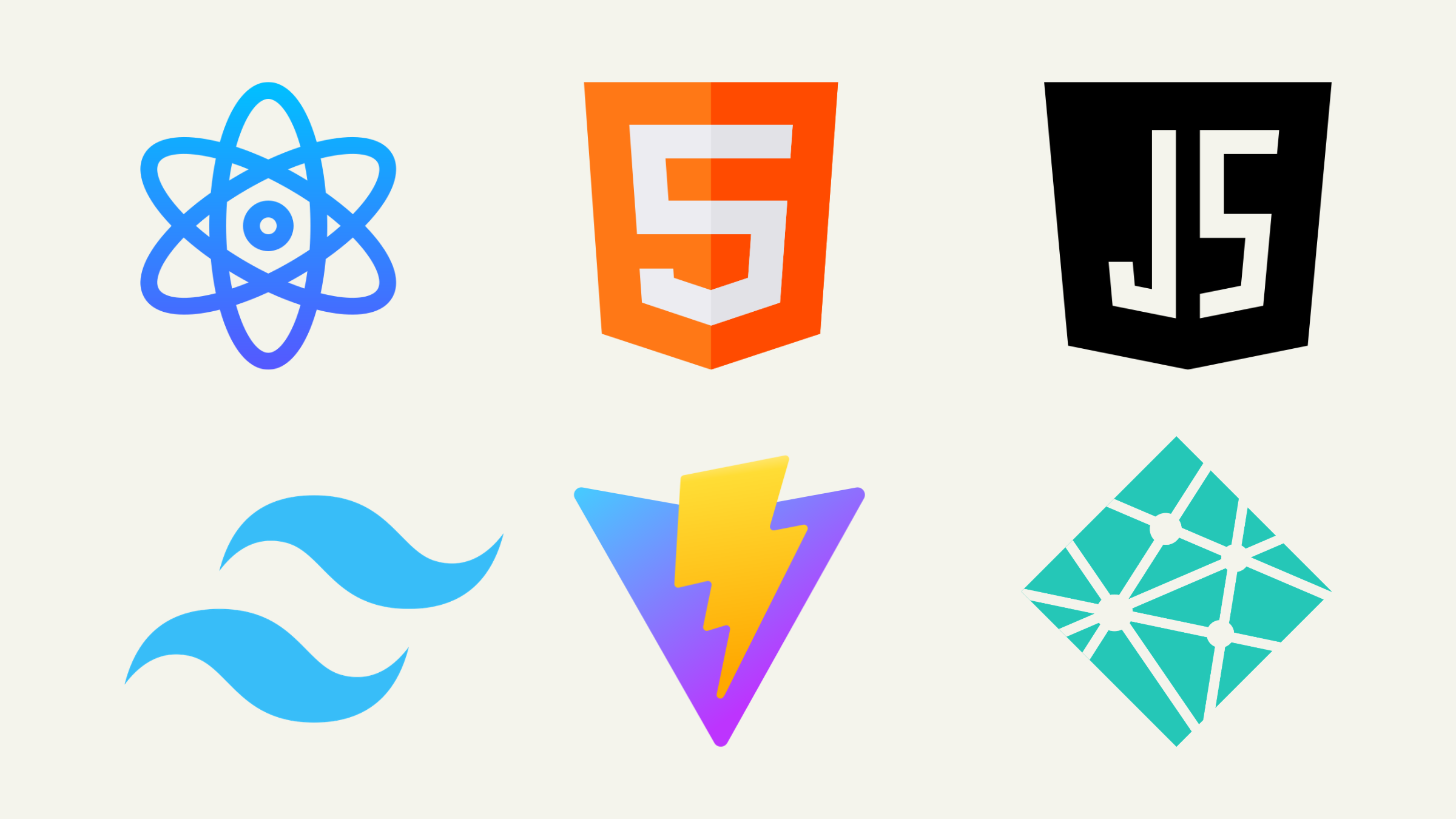
The application was built using React with Vite, enabling a fast and efficient development environment. JavaScript, HTML, and Tailwind CSS were used to create the user interface and functionality, while React Router manages navigation between pages. The audio functionality was implemented using the JavaScript Audio API to handle playback and controls. The final application is deployed using Netlify for public access.
Features
Kurakani includes several key features designed to support beginner learning. Phrase cards display English text alongside phonetic pronunciation and allow users to reveal the Nepali translation, encouraging active recall. An integrated audio system provides pronunciation playback with controls such as play, pause, replay, and mute, along with a visual progress bar. The flashcards feature generates random questions with two answer choices, allowing users to practice translations in both English-to-Nepali and Nepali-to-English formats.
Additionally, the Basic Learning page introduces Nepali alphabets and simple vocabulary, helping users build foundational knowledge before engaging with phrases. The application is also fully responsive, ensuring consistent experience across desktop and mobile devices.
Reflection
This project represents my growth in both technical and design skills as I learned React for the first time while building the application. I am most proud of developing a functional and interactive experience that brings together phrase learning, audio pronunciation, and flashcards into a cohesive system.
Overall, this project demonstrates my ability to learn new technologies, apply user-centered design principles, and build a complete web application from concept to implementation.